Levi Gans
1TypeError: Failed to fetchYou see it in your error tracker a few hundred times a day, with a stack trace that ends at a fetch() call and nothing else. No status code, no URL in the message, no reason.
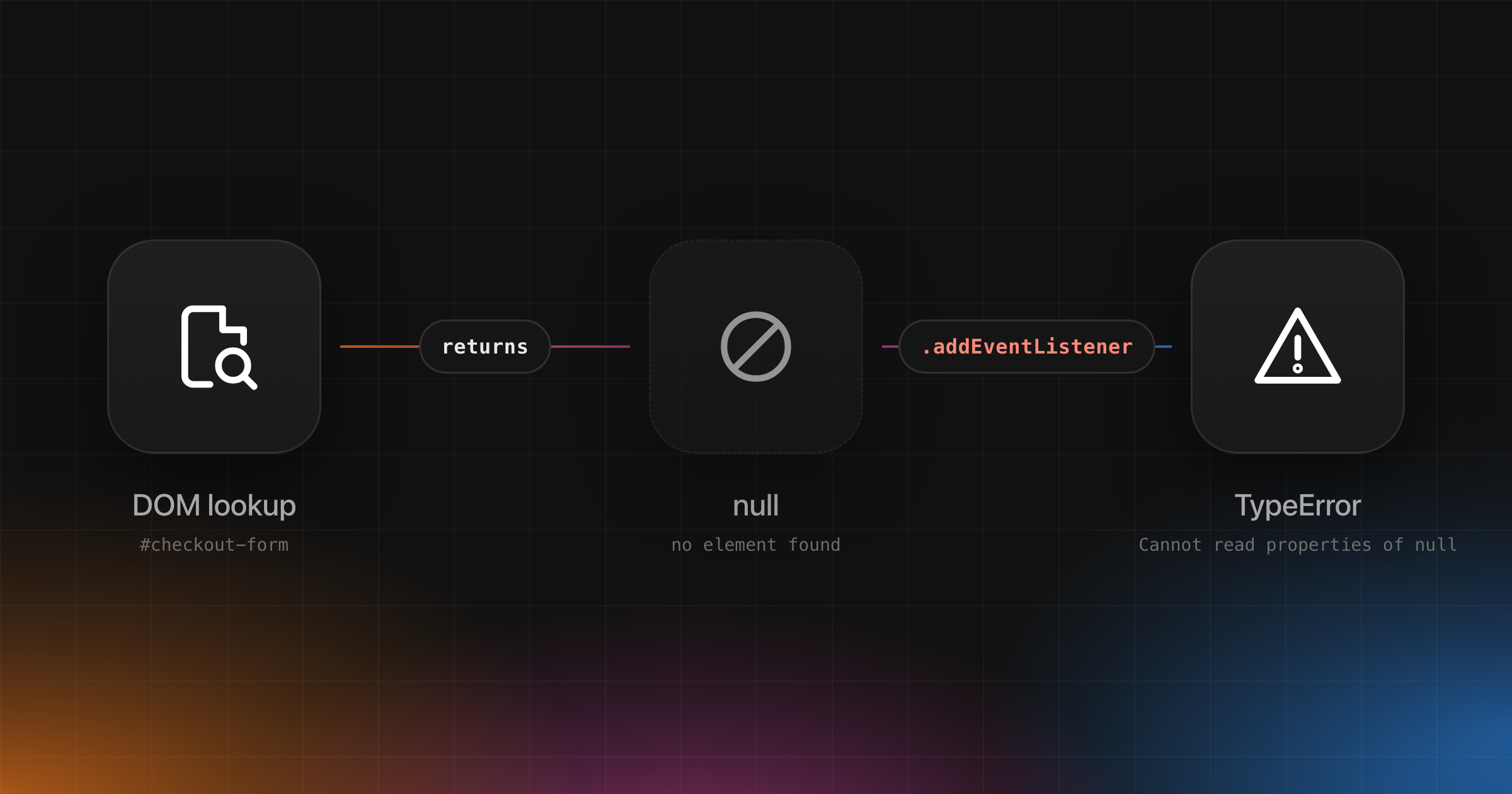
That’s on purpose. “TypeError: Failed to fetch” is how Chrome tells your code that a request never got a response. The real reason is in the browser console and the Network panel, but the browser keeps it from JavaScript. So the same message covers a CORS mistake, a dropped Wi-Fi connection, an ad blocker and a user who closed the tab.
This guide covers how to tell those apart, fix the ones that are yours, and stop the rest from drowning out real problems.
What “Failed to fetch” means
fetch() rejects only when there’s no HTTP response to give you. A 404 or a 500 is still a response, so fetch() resolves and you check response.ok, as MDN shows.
When the request fails before a response arrives, the Fetch standard says to “reject p with a TypeError”. The spec’s network error carries no reason at all: status 0, empty headers, no body. Each browser then picks its own wording for the message.
The MDN page on CORS says it plainly: “specifics about the error are not available to JavaScript. All the code knows is that an error occurred.” The only place to see the reason is the browser console.
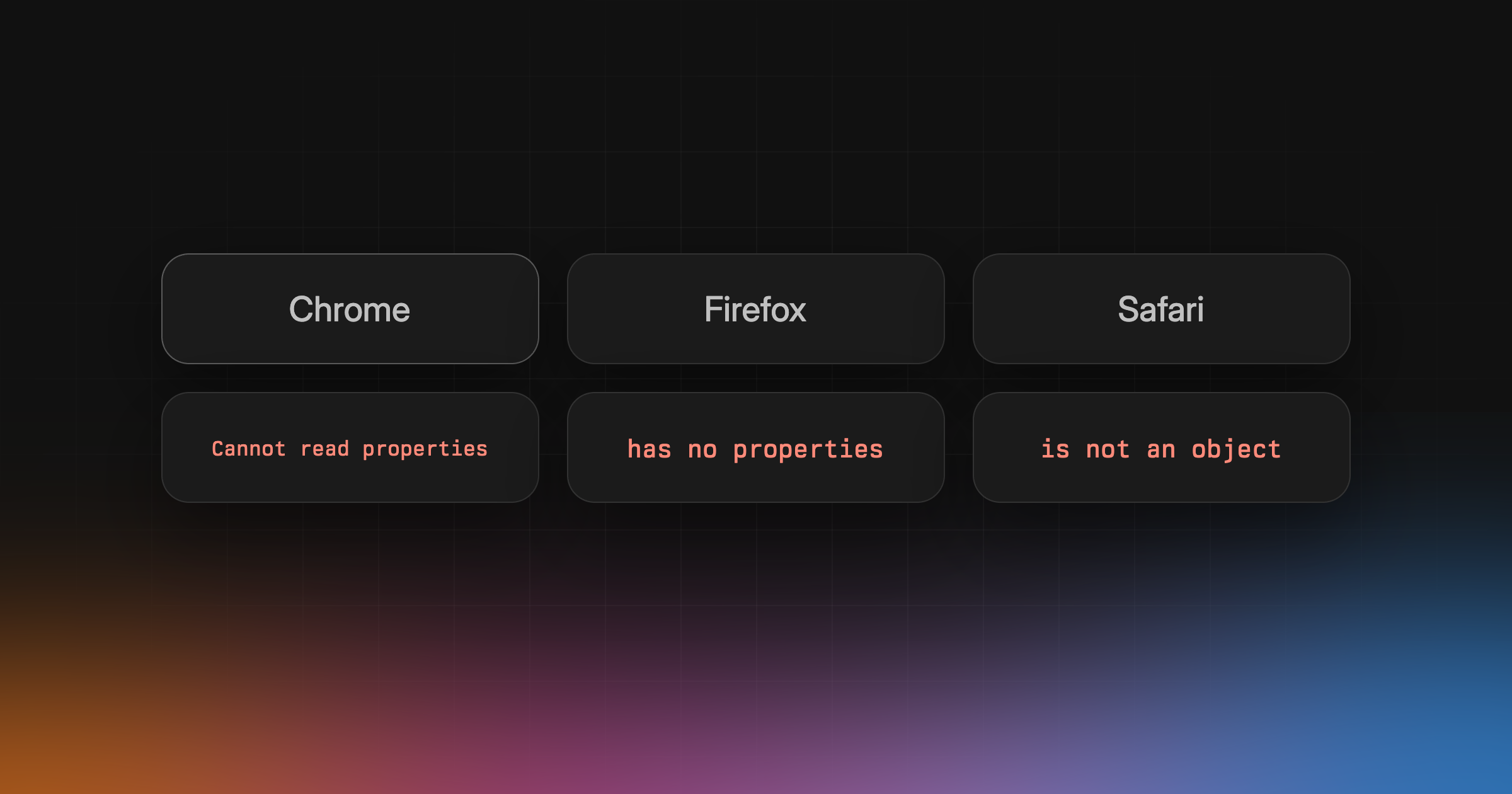
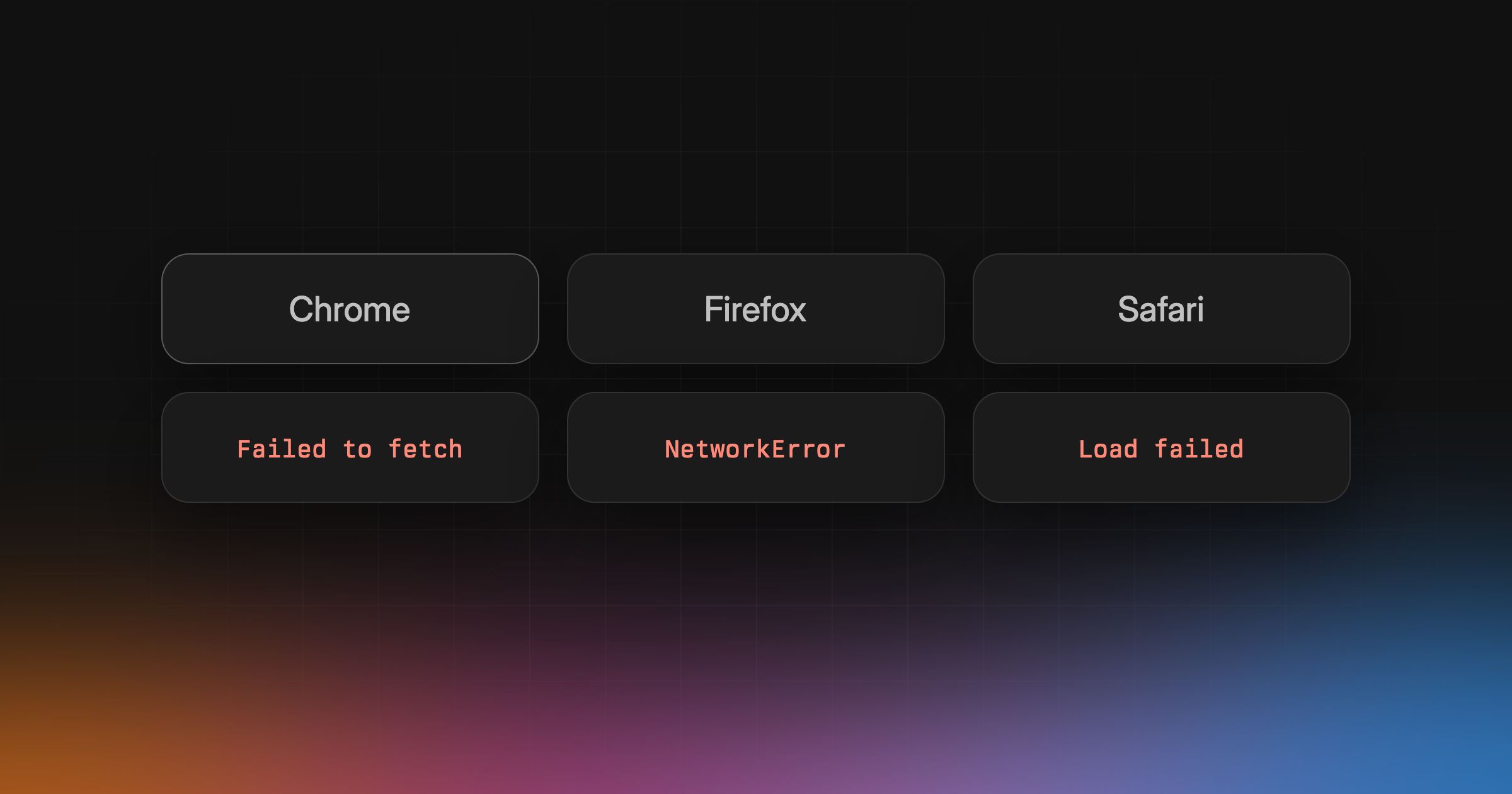
The message in each browser
| Runtime | Message |
|---|---|
| Chrome and Edge | “Failed to fetch” |
| Firefox | “NetworkError when attempting to fetch resource.” |
| Safari | “Load failed” |
| Node.js | “fetch failed” |
Every Chromium browser uses Chrome’s wording. In all four the error is a TypeError, so the full strings are:
1TypeError: Failed to fetch2TypeError: NetworkError when attempting to fetch resource.3TypeError: Load failed4TypeError: fetch failed
Sources: Chromium fetch_manager.cc, Firefox Errors.msg, WebKit ResourceErrorBase.h and undici fetch/index.js.
Search your tracker for all four. They’re the same failure.
Safari uses “Load failed” unless WebKit has marked the underlying error as safe to show, in which case you get the system’s own description instead. Node.js is the friendly one. It isn’t bound by browser security rules, so it puts the real reason on error.cause. When we ran it in Node.js 24, a missing host gave cause.code ENOTFOUND and a server that dropped the connection gave ECONNRESET.
Chromium also splits failures by timing. A failure before the response headers arrive rejects fetch() with “Failed to fetch”. A failure after the headers arrive errors the body stream instead, so it shows up when you call response.json(), with a different message.
Failed to fetch vs failed to fetch dynamically imported module
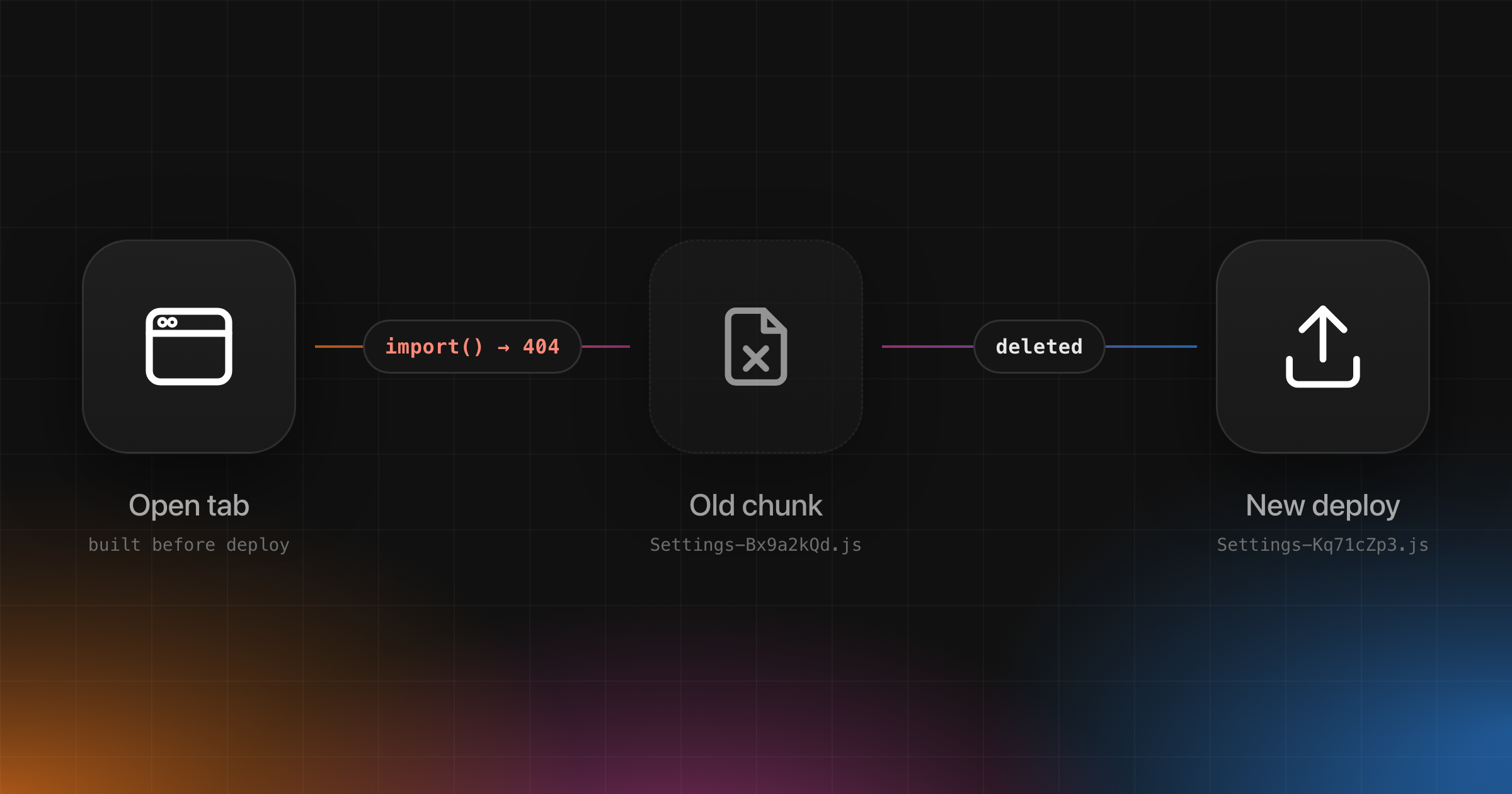
TypeError: Failed to fetch dynamically imported module looks like the same error with a few extra words. It isn’t. It comes from import(), not from fetch(), and nearly always means a deploy replaced a JavaScript chunk that an open tab still wanted. The fixes are different, so it has its own guide.
The real causes
| Cause | Network panel | How to tell |
|---|---|---|
| CORS | CORS error | One origin, every attempt |
| Mixed content | Mixed content warning | http:// URL, HTTPS page |
CSP connect-src | CSP violation message | Started after a CSP change |
| DNS or offline | (failed) | Random users, often mobile |
| Ad blocker or extension | (failed) | Ad-like or analytics URLs |
| User left the page | Often nothing | Happens during page unload |
| Server closed connection | (failed) | One backend, deploys, timeouts |
| Invalid URL | No request sent | Different error message |
The middle column is what the console or Network panel shows. Where it shows (failed), a net:: error follows:
- DNS failure or offline.
net::ERR_NAME_NOT_RESOLVEDornet::ERR_INTERNET_DISCONNECTED. It hits random users on random endpoints. - Ad blocker or extension.
net::ERR_BLOCKED_BY_CLIENT. It hits requests to analytics, tracking or ad-like URLs, and you can’t reproduce it with extensions off. - Server or proxy closed the connection.
net::ERR_EMPTY_RESPONSEornet::ERR_CONNECTION_RESET. It’s tied to one backend, to deploys, to timeouts or to large requests.
The net:: names come from Chromium’s net_error_list.h, which describes ERR_BLOCKED_BY_CLIENT as “The client chose to block the request” and ERR_EMPTY_RESPONSE as “The server closed the connection without sending any data.”
A few of these need more than a table row.
CORS. The Network panel shows status CORS error, plus a console message naming the missing header. Same-origin requests work, and only one API origin fails, on every attempt. The server has to answer with Access-Control-Allow-Origin that matches your page, and for requests with custom headers or methods like PUT it also has to answer the preflight OPTIONS request. A 500 from your API that comes back without CORS headers fails the same check, which surprises people. Fix the headers on the server or proxy. mode: "no-cors" won’t help. MDN notes the response is then opaque, “meaning that its headers and body are not available to JavaScript.”
Mixed content. The console shows a warning about blocked mixed content, and the URL starts with http:// on an https:// page. MDN lists fetch() requests as blockable mixed content, so an http:// URL from an https:// page is blocked. This usually comes from an environment variable that still holds an http:// API URL.
CSP. The console shows a message about a Content Security Policy violation. It fails on every attempt after a CSP change, and your CSP report endpoint sees it. The connect-src directive limits which URLs fetch() can reach. Add a new API host, a new analytics vendor or a new region and forget the policy, and every call to it fails. The Fetch standard runs the mixed content and CSP checks before the request goes out and turns a block into a network error, so your code sees the same TypeError.
Navigation. When the user navigates away or closes the tab, there’s often nothing to see, because the page is gone. These errors fire during page unloads, with no pattern by endpoint. When a page unloads, the Fetch standard terminates its in-flight requests unless they set keepalive. A terminated fetch is a plain network error, not an abort, so any handler that still runs sees a TypeError, not an AbortError. If a request has to finish after the user leaves, such as analytics, set keepalive: true. MDN says the browser then “will not abort the associated request if the page that initiated it is unloaded before the request is complete.”
Invalid URL. A malformed URL throws a TypeError too, before any request leaves, but the message is different: Chrome says Failed to parse URL from .... In Chrome 157, fetch("http://") threw Failed to execute 'fetch' on 'Window': Failed to parse URL from http://. If you see that, it’s a bug in how you build the URL, not the network. A URL with a username and password in it also throws a TypeError.
Reproduce each one in DevTools
You can trigger almost every cause on your own machine. We ran the DNS, CORS and mixed content cases below in Chrome 157 on https://example.com, and each rejected with TypeError: Failed to fetch.
- Offline. In the Network panel, set the throttling menu to Offline, as described in the Chrome DevTools network reference.
- DNS failure.
fetch("https://does-not-exist.invalid/"). The.invalidtop-level domain never resolves. - CORS. Fetch another origin with a custom header, such as
fetch("https://api.github.com/zen", { headers: { "x-test": "1" } }). The preflight fails. - Mixed content.
fetch("http://example.com/")from anhttps://page. - Blocked request, like an ad blocker. Right-click a request in the Network panel and choose Block request. The Request conditions drawer opens with the URL pattern blocked. Reload and trigger the call again.
- CSP. Serve a page with
Content-Security-Policy: connect-src 'self'and fetch any other origin. - Server closing the connection. Run a tiny local server that accepts the connection and destroys the socket. In Node.js,
net.createServer((socket) => socket.destroy())is enough. We tried it with Node’s ownfetch, which gavefetch failedwithcause.codeECONNRESET.
The status column tells you which one you hit. Chrome shows CORS error for CORS, and (failed) followed by the net:: error for the rest, per the network reference.
How to handle it in code
Start by sorting failures into the three kinds fetch() can reject with. An abort you asked for, a timeout, and a network failure each need a different response.
1function describeFetchError(error: unknown) {2 if (error instanceof DOMException && error.name === "AbortError") return "aborted";3 if (error instanceof DOMException && error.name === "TimeoutError") return "timeout";4 if (error instanceof TypeError) return "network";5 return "other";6}
AbortError comes from your own AbortController. That’s your code changing its mind, like a search box cancelling the previous query, so don’t report it. AbortSignal.timeout() aborts with a TimeoutError instead, so you can tell “too slow” from “cancelled”. TypeError is everything in the table above.
Retry, but carefully
Retrying makes sense for flaky connections and a server that dropped one request. It doesn’t help with CORS, CSP, mixed content or a blocked request, which fail every time. Retry only requests that are safe to send twice, like GET. A POST that failed after the server got it may already have charged the card.
1async function fetchWithRetry(2 input: string,3 { signal, attempts = 3 }: { signal?: AbortSignal; attempts?: number } = {},4): Promise<Response> {5 const url = new URL(input, globalThis.location?.href);67 for (let attempt = 1; ; attempt++) {8 const signals = [AbortSignal.timeout(10_000)];9 if (signal) signals.push(signal);1011 try {12 return await fetch(url, { signal: AbortSignal.any(signals) });13 } catch (error) {14 const networkError = error instanceof TypeError;15 if (!networkError || signal?.aborted || attempt >= attempts) throw error;1617 const delay = 2 ** attempt * 250 + Math.random() * 250;18 await new Promise((resolve) => setTimeout(resolve, delay));19 }20 }21}
new URL() runs before the loop, so a malformed URL throws once instead of being retried. Each attempt gets its own 10-second timeout, combined with the caller’s signal through AbortSignal.any(). Timeouts and aborts aren’t retried. The random part of the delay keeps a thousand clients from retrying in the same millisecond after your API recovers. Against a host that doesn’t exist, it gave up after 3 attempts in about 1.6 seconds when we ran it in Node.js.
Offline is a hint, not a fact
It’s tempting to check navigator.onLine in the catch block and blame the network. MDN calls the property “inherently unreliable”. A laptop on a LAN without internet access still counts as online, and on Windows the check depends on reaching a Microsoft server that a firewall or VPN can block.
So treat false as a reason to show a hint, never as proof:
1window.addEventListener("offline", () => showBanner("You're offline. We'll try again when you're back."));2window.addEventListener("online", () => {3 hideBanner();4 retryPendingRequests();5});
showBanner, hideBanner and retryPendingRequests are your own functions. The offline event fires when navigator.onLine switches to false.
Why it’s so noisy in error trackers
Most “Failed to fetch” events aren’t bugs you can fix. Some of the biggest sources:
- Ad blockers and privacy extensions blocking your analytics, chat widget or anything with “track” in the URL.
- Extensions making their own
fetch()calls inside your page. Their stack frames point atchrome-extension://ormoz-extension://URLs, not your code. - Users leaving the page or closing the tab while a request is in flight.
- Phones moving between Wi-Fi and cellular.
Filtering all of it out is the wrong fix. Then you miss the day a CSP change breaks checkout for everyone. Filter by cause instead.
- Drop events whose stack frames all come from extension URLs.
- Tag the URL and method of the failed request when you report it, so one dead endpoint stands out from background noise. The message itself has no URL.
- Note whether the page was unloading. A
pagehidelistener that sets a flag works, though MDN warns the event doesn’t always fire on mobile. - Group the four browser messages together, and alert on a spike or a single endpoint, not on the count.
If you do filter by message, match all four wordings. Sentry’s ignoreErrors, for example, filters strings by partial match, so "Load failed" also drops any other message containing those words. Use a regular expression if you want to be exact.
Catch it in production with Interfere
Interfere is an error tracker for web apps that shows how many users and which customer accounts hit an error like “Failed to fetch”, lets you replay the session leading up to it, and can connect it to the release it came from.
That’s what a message with no reason can’t tell you. The Inbox sorts problems by affected users, so a hundred users failing to reach your API outranks a thousand events from one person’s ad blocker. Companies shows which customer accounts are hit. Session replay starts up to seven seconds before the error, so you can see what the user was doing.
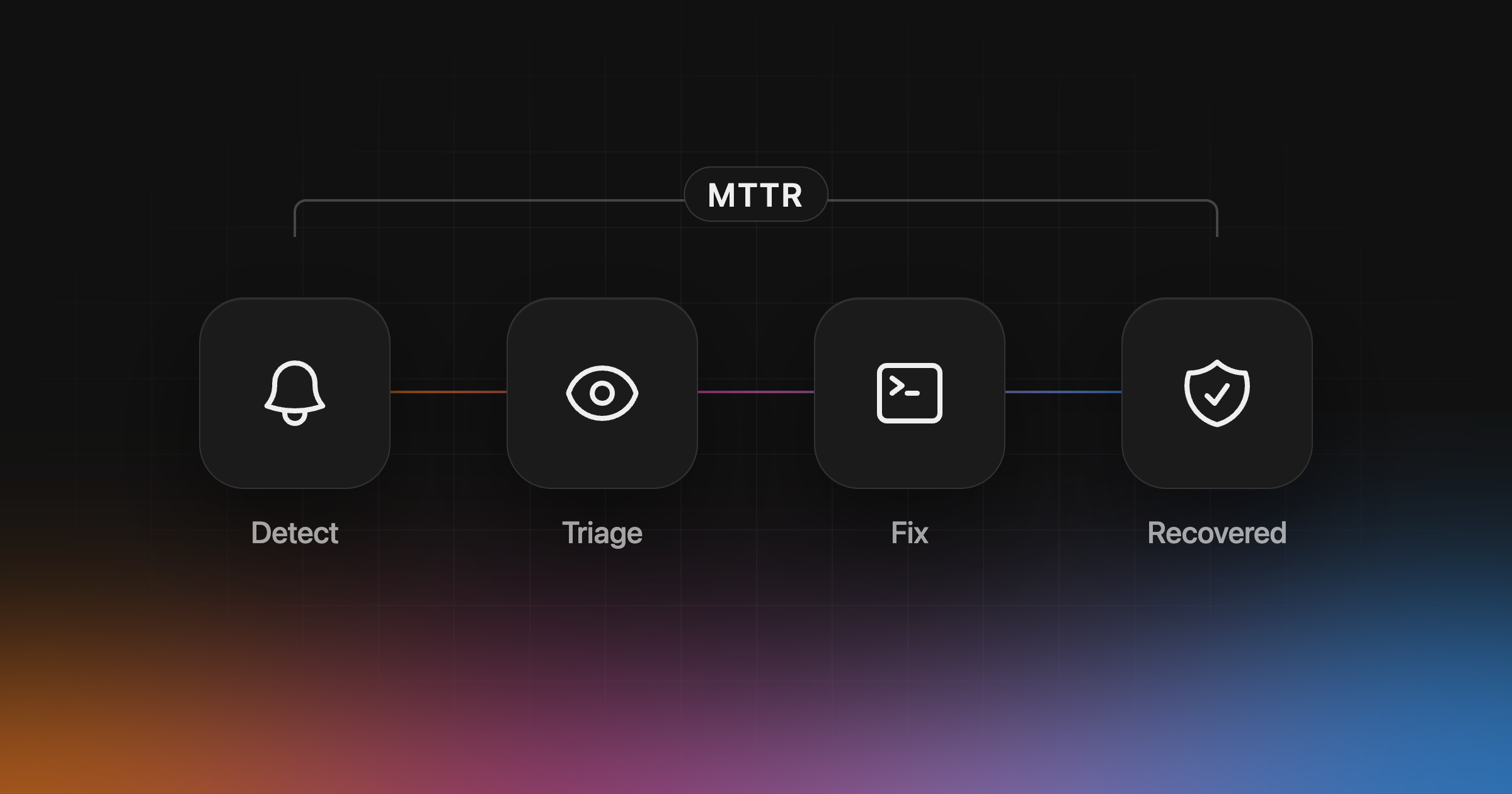
We built it because more teams now run like software factories. Coding agents open pull requests all day, so shipping stops being the hard part. Knowing what broke, who it hit and whether the fix held is the hard part. Interfere detects new problems and regressions as errors arrive and investigates them against your releases and code. Your agent picks the investigation up over MCP and writes the fix. Interfere tracks recovery and reopens the problem if it comes back. If you merge more pull requests than anyone can read line by line, that loop is how you keep your sanity.
It’s built for web apps, with SDKs for Next.js, React with Vite and TanStack Start, and has no mobile SDKs. See how to reduce MTTR, or set up Interfere.
The short version
“Failed to fetch” means no response came back, and the browser won’t say why. The Network panel will. Check the status column, match it against the table above, and fix the causes that fail every time: CORS, CSP, mixed content and URLs. Make your code expect the rest, because phones lose signal and people close tabs. That part of the noise never goes to zero, and it doesn’t need to.