Levi Gans
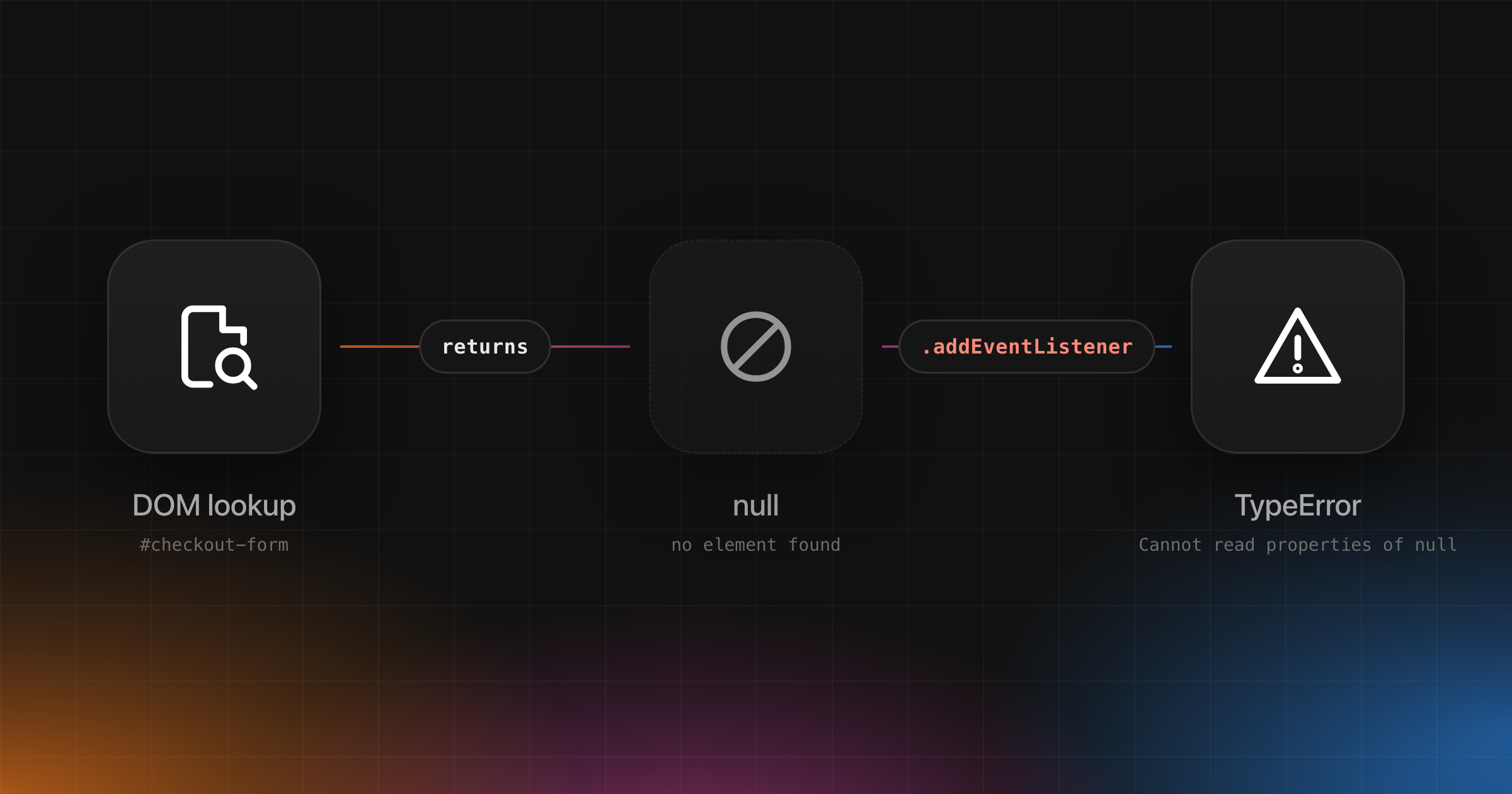
1Uncaught TypeError: Cannot read properties of null (reading 'addEventListener')“Cannot read properties of null” means your code read a property from a value that was null. The name in brackets is the property it tried to read. In the line above, something you expected to be a DOM element was null, and the code called .addEventListener on it.
Unlike undefined, null was usually returned on purpose: a DOM lookup that found no element, a storage key that doesn’t exist, a regex that didn’t match, a React ref with nothing attached. So ask which lookup came back empty, and why.
This guide covers the causes specific to null. Missing data, wrong property paths and the general fixes are in Cannot read properties of undefined.
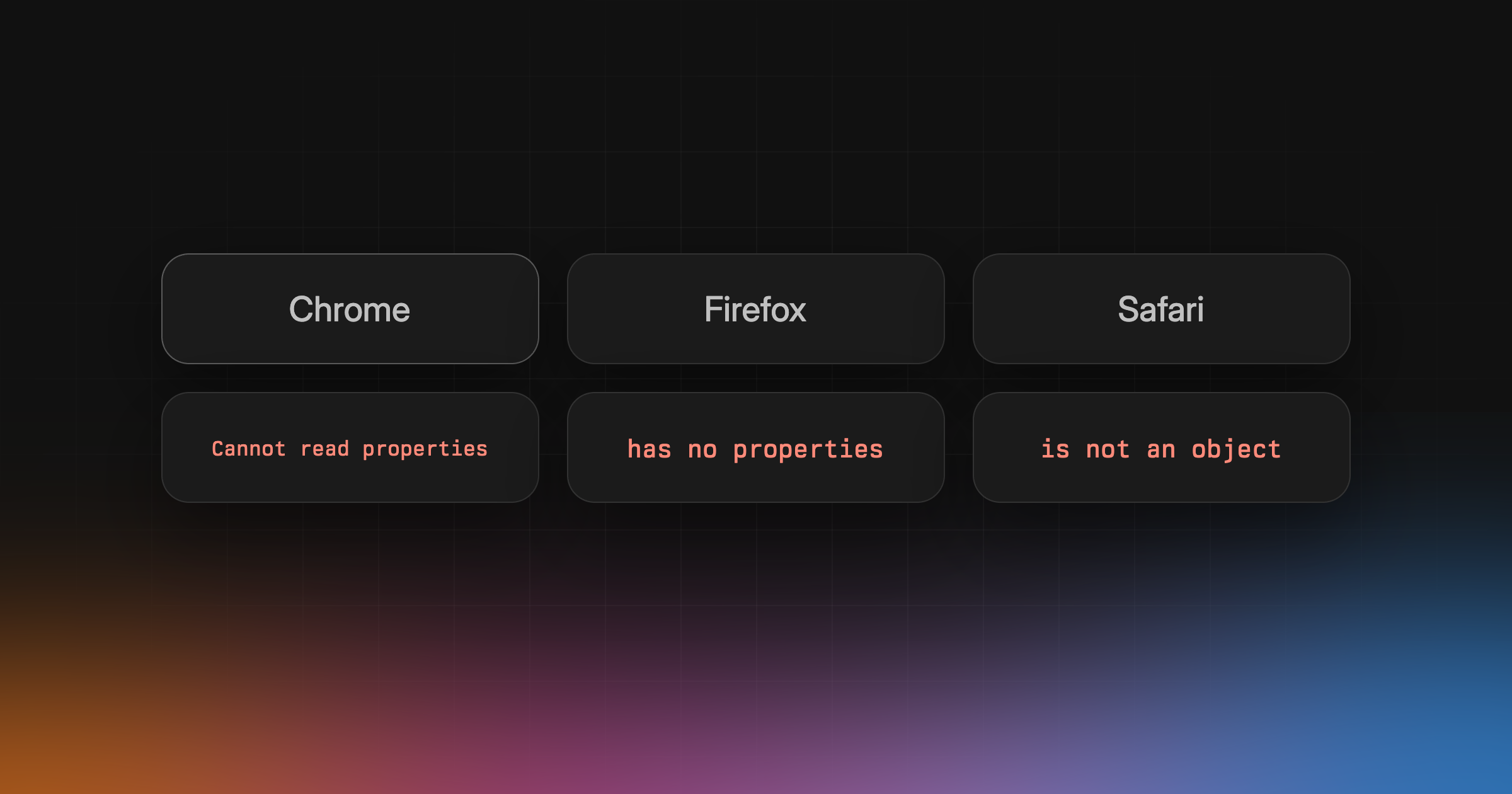
What the error looks like in each browser
1// Chrome, Node.js (V8)2TypeError: Cannot read properties of null (reading 'addEventListener')3TypeError: Cannot set properties of null (setting 'innerHTML')4TypeError: Cannot destructure property 'a' of 'null' as it is null.56// Firefox7TypeError: can't access property "addEventListener", el is null8TypeError: null has no properties910// Safari (JavaScriptCore)11TypeError: null is not an object (evaluating 'el.addEventListener')12TypeError: null is not an object (evaluating 'el.innerHTML="x"')
When nothing catches the error, Chrome’s console adds Uncaught in front. V8 gives you only the property. Firefox names the variable that was null, and Safari prints the whole expression, so read those first if you have them.
Common causes
A DOM lookup that found nothing
getElementById() and querySelector() return null when nothing matches. They don’t throw. The error comes on the next line:
1const form = document.getElementById("checkout-form");2form.addEventListener("submit", onSubmit);3// TypeError: Cannot read properties of null (reading 'addEventListener')
IDs are case-sensitive, a missing # in querySelector("cart") returns null, and so does an element you created but haven’t inserted yet. In production, the usual version is a shared bundle that looks up #checkout-form on every page, and every page without that form throws.
The script ran before the element existed
A plain <script> in the <head> runs before the browser parses the rest of the page, so every lookup returns null.
1<head>2 <script src="app.js"></script> <!-- runs before <body> is parsed -->3</head>
Add defer (the script runs after the document is parsed, before DOMContentLoaded), or use type="module", which is deferred by default. For scripts whose tag you don’t control, wait for the DOM in code:
1if (document.readyState === "loading") {2 document.addEventListener("DOMContentLoaded", init);3} else {4 init();5}
Without the readyState check, a script that loads after DOMContentLoaded never runs init.
localStorage.getItem and JSON.parse
localStorage.getItem() returns null when the key doesn’t exist, which is every first visit. JSON.parse(null) doesn’t throw. It returns null, and the error comes when you read from it:
1const prefs = JSON.parse(localStorage.getItem("prefs"));2prefs.theme; // (reading 'theme')34const safe = JSON.parse(localStorage.getItem("prefs") ?? "{}");
A regex that didn’t match
String.prototype.match() returns null when there’s no match, not an empty array:
1const orderId = location.pathname.match(/^\/orders\/(\d+)/)[1];2// On /orders/new: TypeError: Cannot read properties of null (reading '1')
(reading '0') or (reading '1') almost always means a match() or exec() result. Check it before you index it.
An API that returned null
Many APIs return null on purpose for “not found”, and res.json() hands it back as null with no error. The error shows up wherever the first property is read, often far from the request, so handle null where the data enters your app.
How to fix it
Decide whether null is allowed. An element that only exists on some pages can be null, so handle it. An element your code always renders shouldn’t be, and a guard there only hides the real bug. The error is usually telling you the truth: a lookup failed.
When it’s allowed, guard the lookup:
1const form = document.getElementById("checkout-form");2if (form) {3 form.addEventListener("submit", onSubmit);4}
form?.addEventListener(...) does the same for reads and method calls, but optional chaining doesn’t work for writes: el?.innerHTML = "x" is a SyntaxError, so “Cannot set properties of null” needs an if. The undefined guide covers the rest of the toolbox.
In React
Check your refs first. A DOM ref starts as null and goes back to null later.
Before mount. useRef(null) is null during the first render, because the DOM node doesn’t exist yet. React’s docs say not to read ref.current during rendering. Read it in an event handler or an Effect.
1function Search() {2 const inputRef = useRef(null);3 inputRef.current.focus(); // null on the first render: (reading 'focus')4 return <input ref={inputRef} />;5}
After unmount. React sets ref.current back to null when the node is removed. Code that awaits something and then uses the ref can find it empty, so check inputRef.current after the await, not before.
A ref on your own component. <MyInput ref={inputRef} /> gives you nothing unless MyInput passes ref to a DOM element. In React 19, accept ref as a prop and put it on the <input>. On older versions, use forwardRef.
Find which value was null in production
In production you get a minified frame like index-3f9a.js:1:20431, reading 'addEventListener' from a variable called t.
Map the frame. Upload source maps with each release. With Interfere’s Vite plugin, interfere() plus build.sourcemap: true uploads them during the build. For Next.js, withInterfere() does it.
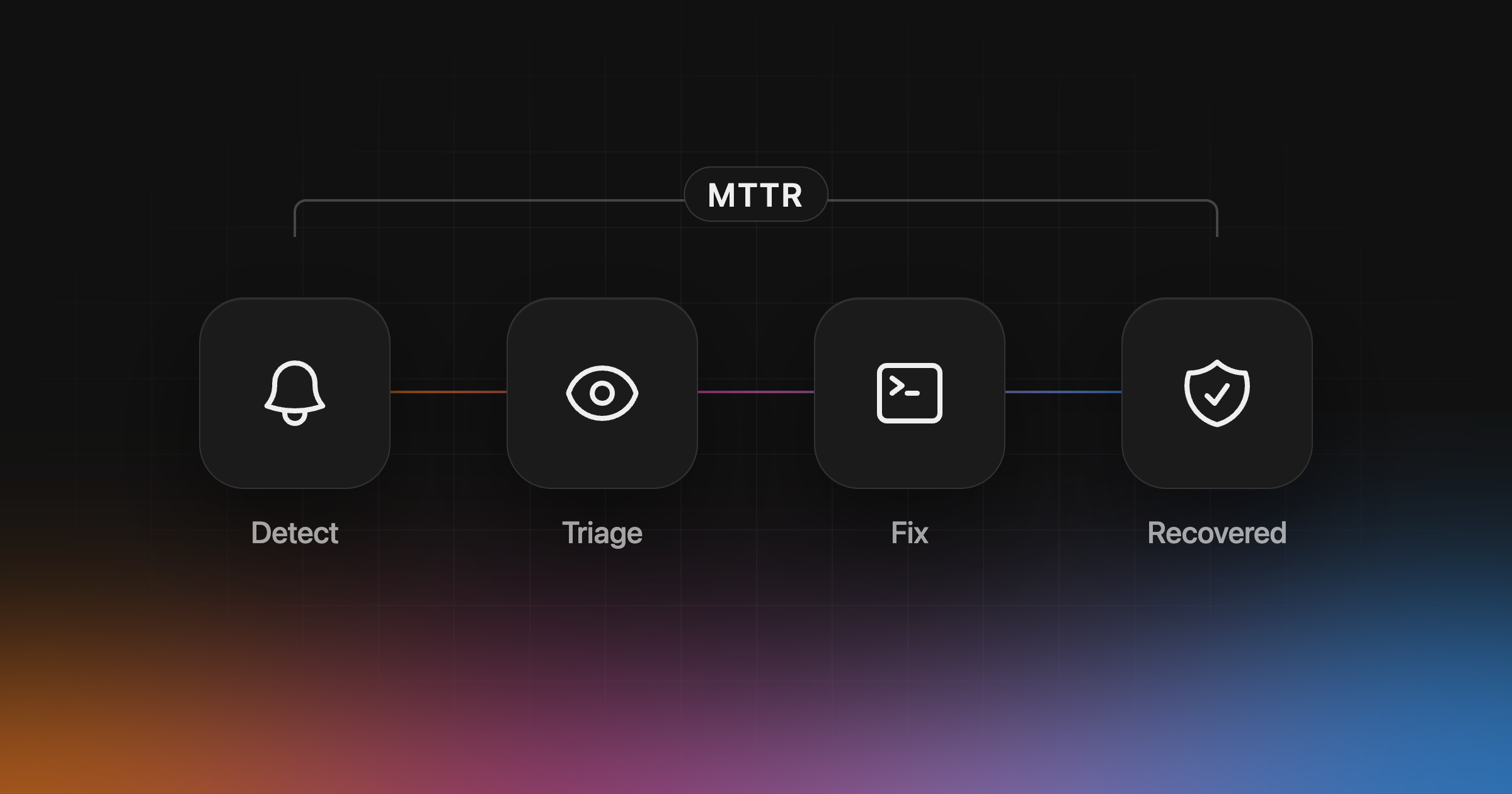
Open an occurrence. Interfere groups related occurrences into problems. In a problem, open Findings and select an occurrence to see the exception, stack frames, release and environment. Read the failing line in that release, not on your branch. The problem shows when it was first seen; a deploy around the same time is context, not proof.
Watch what the user did. Open Sessions and replay one. For a DOM lookup, that usually answers it: the user was on a page without the element, or it was still loading.
If you add a guard but still want to know when the element is missing, report it as a handled error:
1import { capture } from "@interfere/vite/init"; // or "@interfere/next/instrument-client"23if (!form) {4 capture(new Error("checkout-form not found"));5}
A coding agent can pick the problem up through the Interfere MCP server and write the fix; see the Claude Code, Codex and Cursor guides. After you deploy, the problem moves to In recovery and then Resolved. If a later deploy brings it back, the problem reopens and Interfere looks for the release that brought it back.
Troubleshooting
| What you see | Likely cause | Fix |
|---|---|---|
(reading 'addEventListener') or (reading 'value') | A DOM lookup returned null | Check the ID or selector, or guard pages without the element |
Cannot set properties of null (setting 'innerHTML') | Writing to a lookup that found nothing | Guard with if; ?. can’t be used on the left of = |
(reading '0') or (reading '1') | A match() or exec() with no match | Check the result before indexing it |
| Happens only on a user’s first visit | localStorage.getItem returned null | JSON.parse(localStorage.getItem(key) ?? "{}") |
(reading 'focus') in React | A ref read during render, after unmount, or on a component that doesn’t pass ref on | Read refs in handlers or Effects; pass ref to the DOM element |
| Only in production, minified frames | No source maps for that release | Upload maps with each build |
Where Interfere fits
We make Interfere, so weigh this part accordingly.
Agents write and ship code fast now. A missing #checkout-form on one page template is easy to fix and easy to miss. The slow part is knowing what broke in production, who it hit, and whether the fix held. That’s why we built Interfere. Its Inbox sorts problems by priority by default, and you can sort by affected users, first detected or last detected. Coding agents read each problem over MCP.
It’s narrower than a full monitoring suite. The SDKs cover Next.js, React with Vite and TanStack Start, and other services send OpenTelemetry. The docs list no mobile SDKs, profiling, uptime or cron checks, or self-hosted version. If you need those, a tool built for them is the better choice.
Set up Interfere and see which pages throw this after your next deploy.