

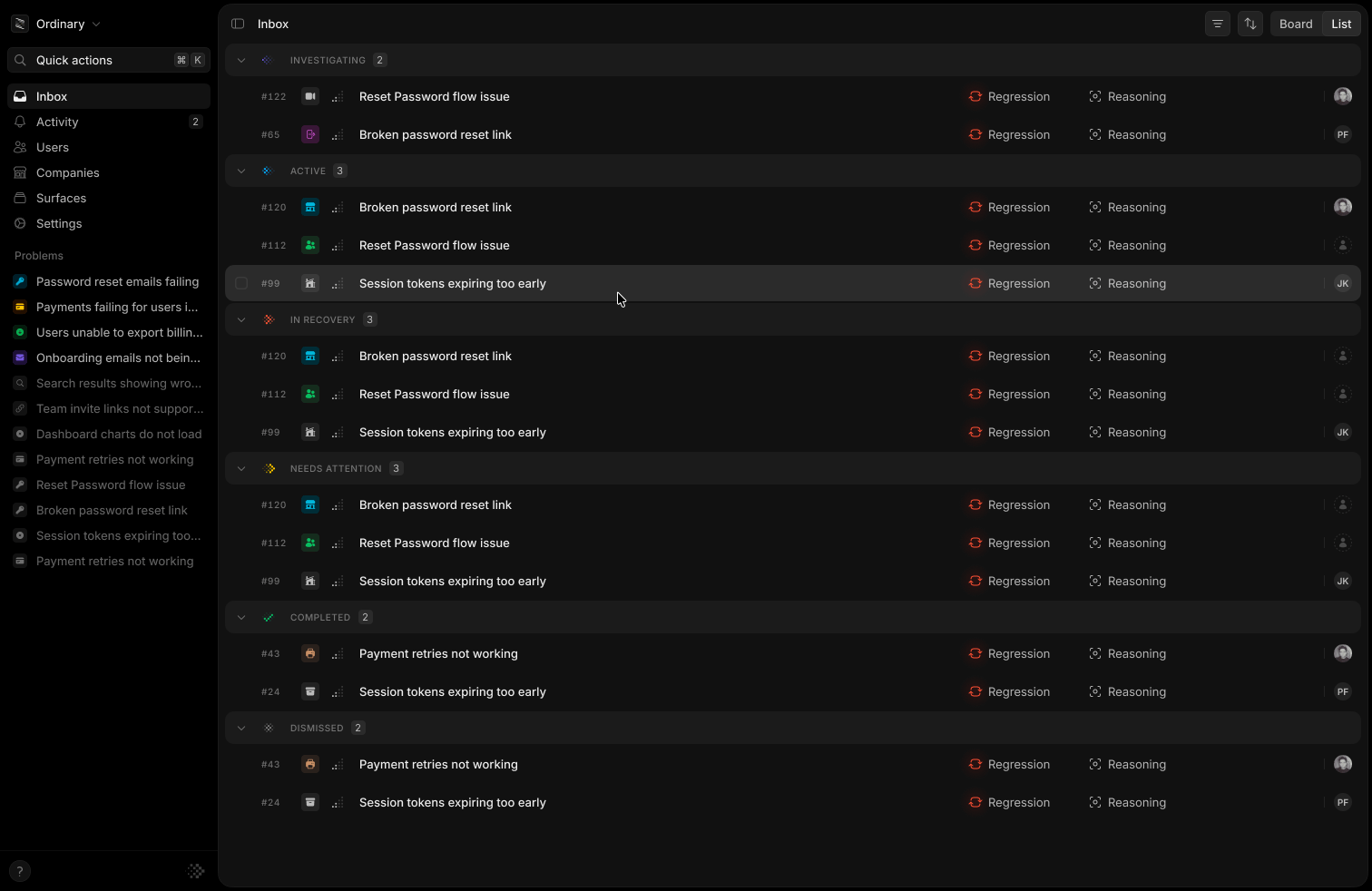
Review related occurrences as problems, then assign and prioritize the work.
Find the problems to work on
Start with an environment filter, such as production, then narrow by surface, status, priority, or assignee. Use the problem ID filter to return to specific problems. For example, filter to your checkout surface and production environment, then sort by affected users to review the problems with the widest impact first. Open Display to switch between board and list views and sort by priority, affected users, first detected, or last detected. You can also show or hide failed investigations. Press Alt Shift F to clear filters. On macOS, use Option for Alt.Assign and prioritize
Select a problem and press A to assign it or P to set its priority. Select several problems to apply the same change together.
These shortcuts apply outside text fields.