

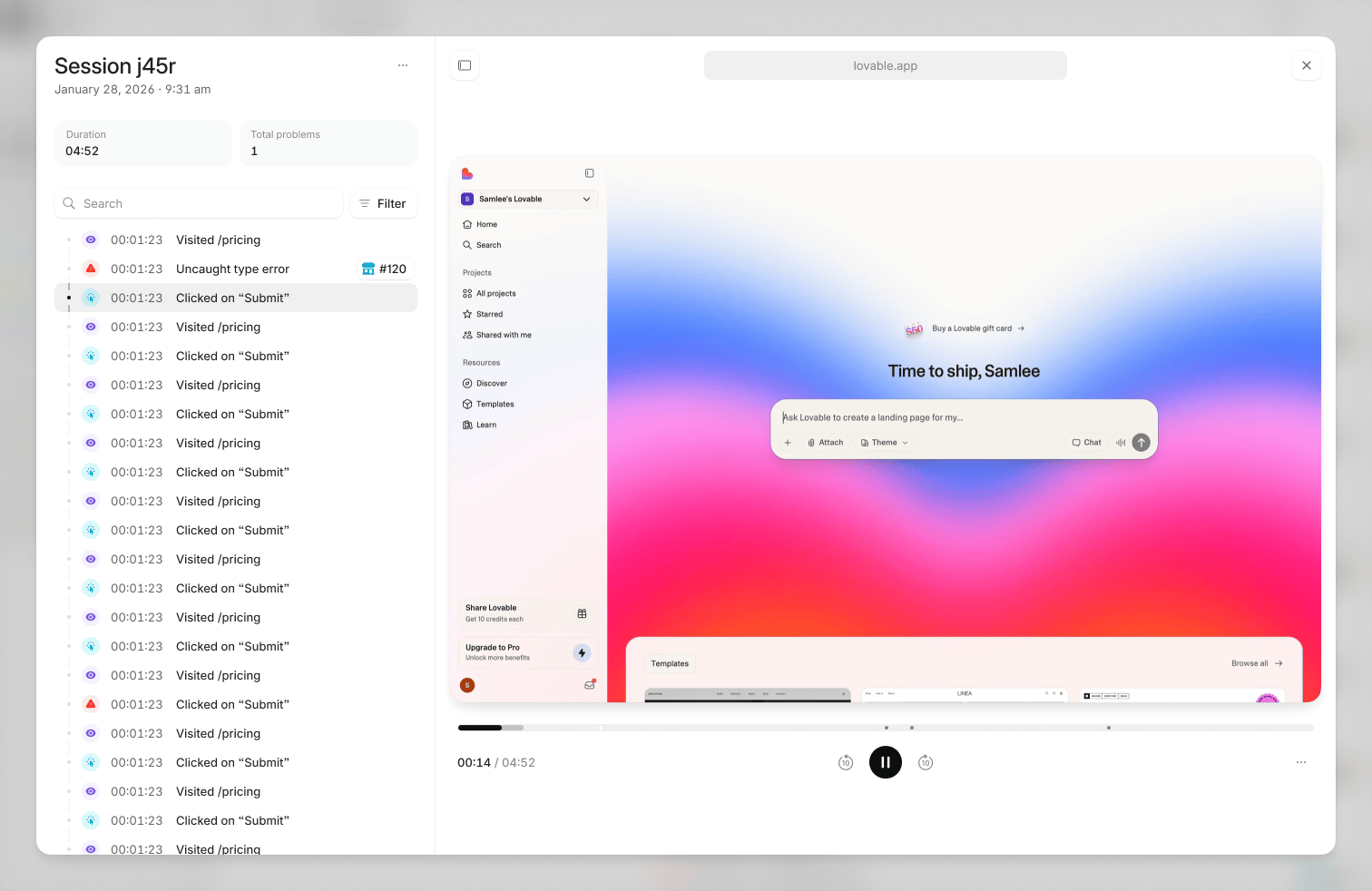
Use the event timeline to find an error and the actions around it.
Start from a problem
Open the problem’s sessions and select one to replay. Filter by visited URL when the issue involves a particular route, such as/checkout.
The session’s other events stay available for context. Select an error to start playback up to seven seconds before it, where recording data exists. Use the event timeline to compare the user’s actions with the error and its trace.
Start from a user
Open a profile in Users, then select a recorded session. This is useful when a customer reports a failure but you do not yet know which problem caused it.Missing recordings
A session can have events without replay data. Replay must be enabled and thereplay consent category must be allowed while the session is recorded. Enabling it later cannot recover an earlier recording.
Configure consent and replay masking in your app. Blocked elements appear as placeholders, and masked content stays masked during playback.