Levi Gans
1TypeError: Cannot read properties of undefined (reading 'map')“Cannot read properties of undefined” means your code tried to read a property from a value that was undefined. The name in brackets is the property it was reading, not the value that was missing. In the line above, something you expected to be an array was undefined, and the code called .map on it.
The fix is usually one line. The hard part is finding which value was undefined, and why, when it only happens in production.
What “cannot read properties of undefined” means
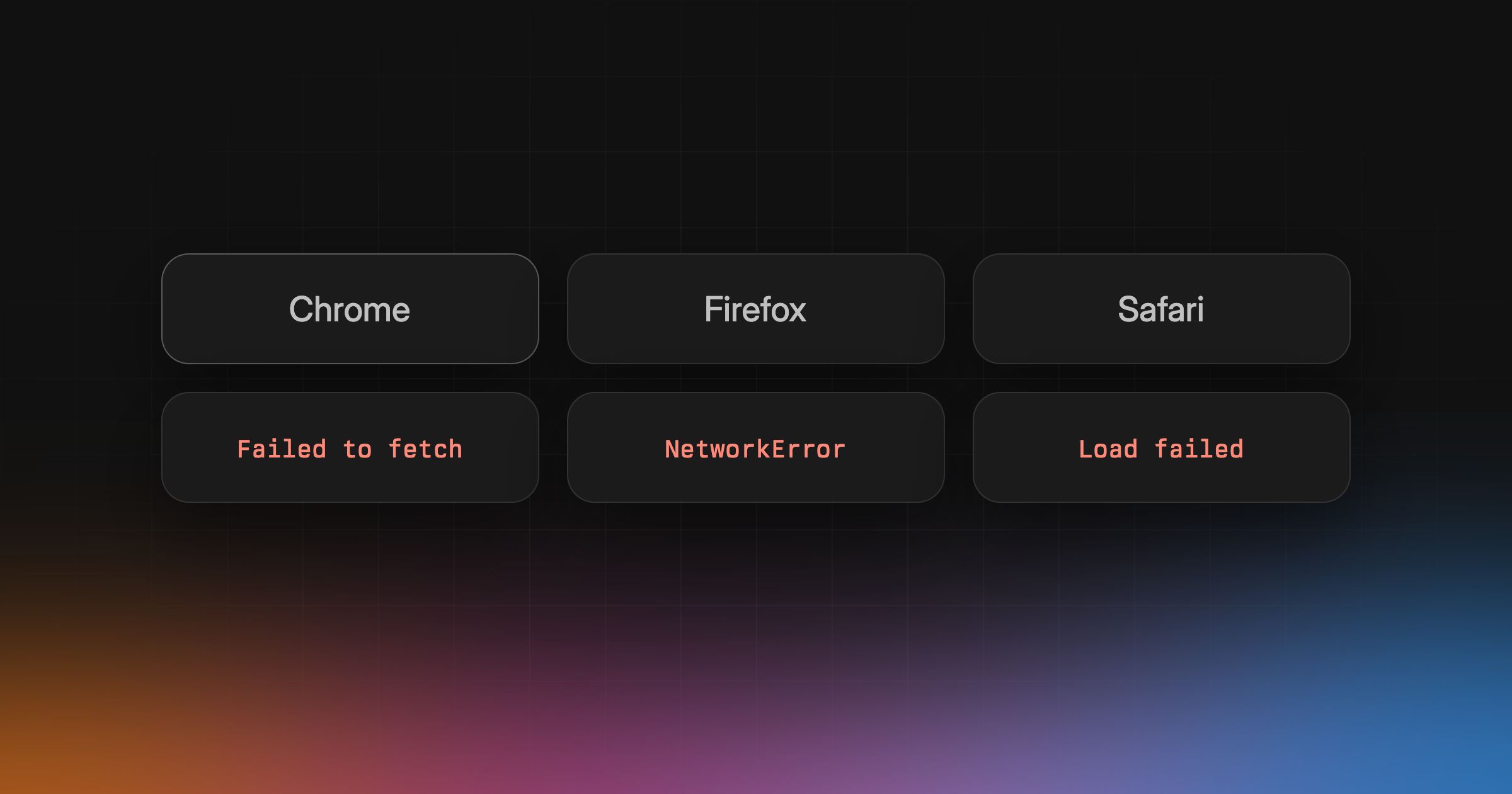
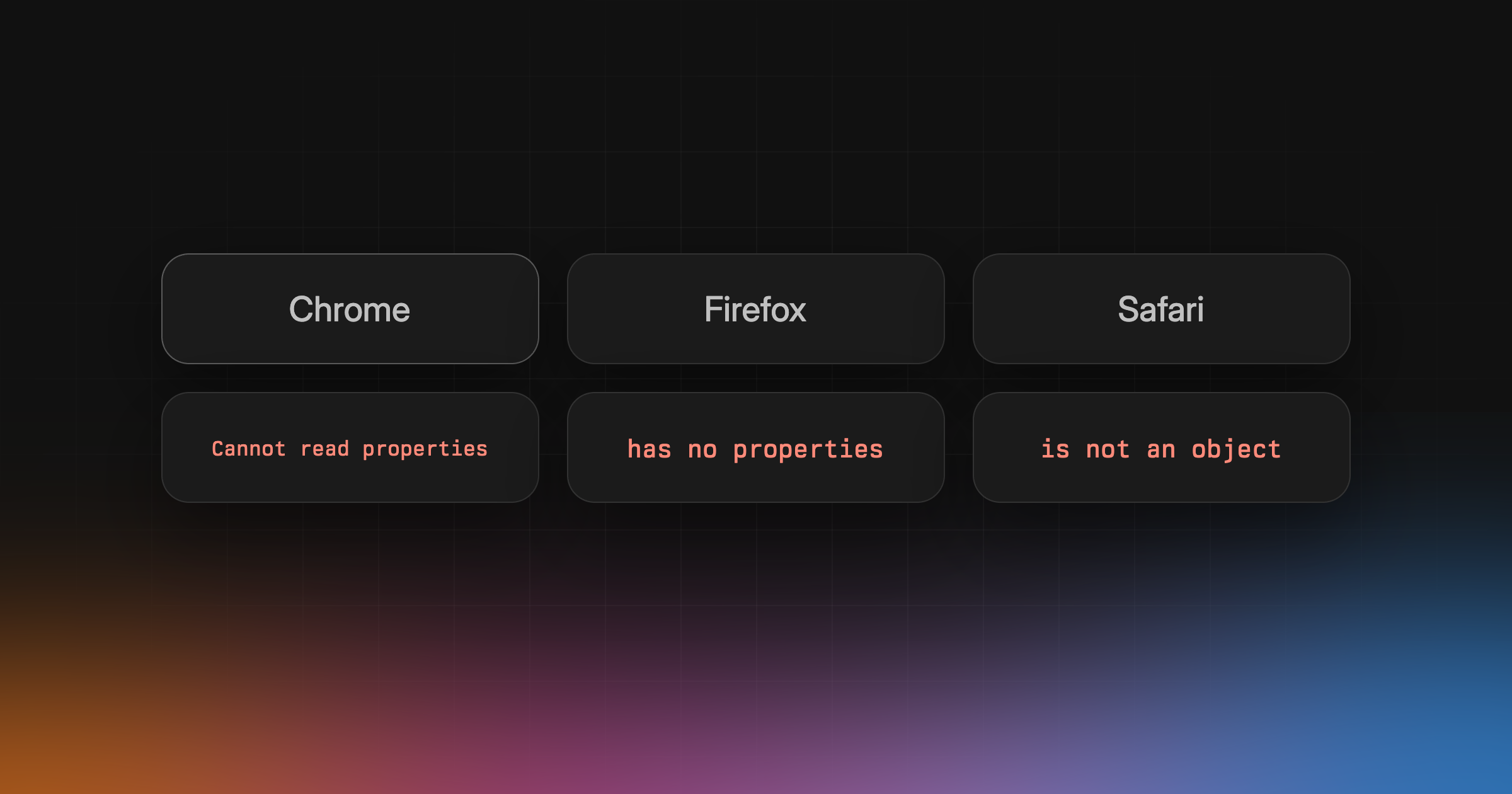
null and undefined have no properties. Reading one with ., [] or destructuring throws a TypeError. Chrome, Edge and Node.js all run on V8, so they share the wording. Firefox and Safari say the same thing differently:
1// Chrome, Edge, Node.js (V8)2TypeError: Cannot read properties of undefined (reading 'x')34// Firefox5TypeError: undefined has no properties6TypeError: "x" is undefined78// Safari9TypeError: undefined is not an object (evaluating 'obj.x')1011// V8, destructuring12TypeError: Cannot destructure property 'a' of 'undefined' as it is undefined.1314// Safari, destructuring15TypeError: Right side of assignment cannot be destructured
Search your error tracker for all of them. Safari’s version is the most useful one, because it prints the expression it was evaluating. V8 only tells you the property name.
Cannot read properties of null
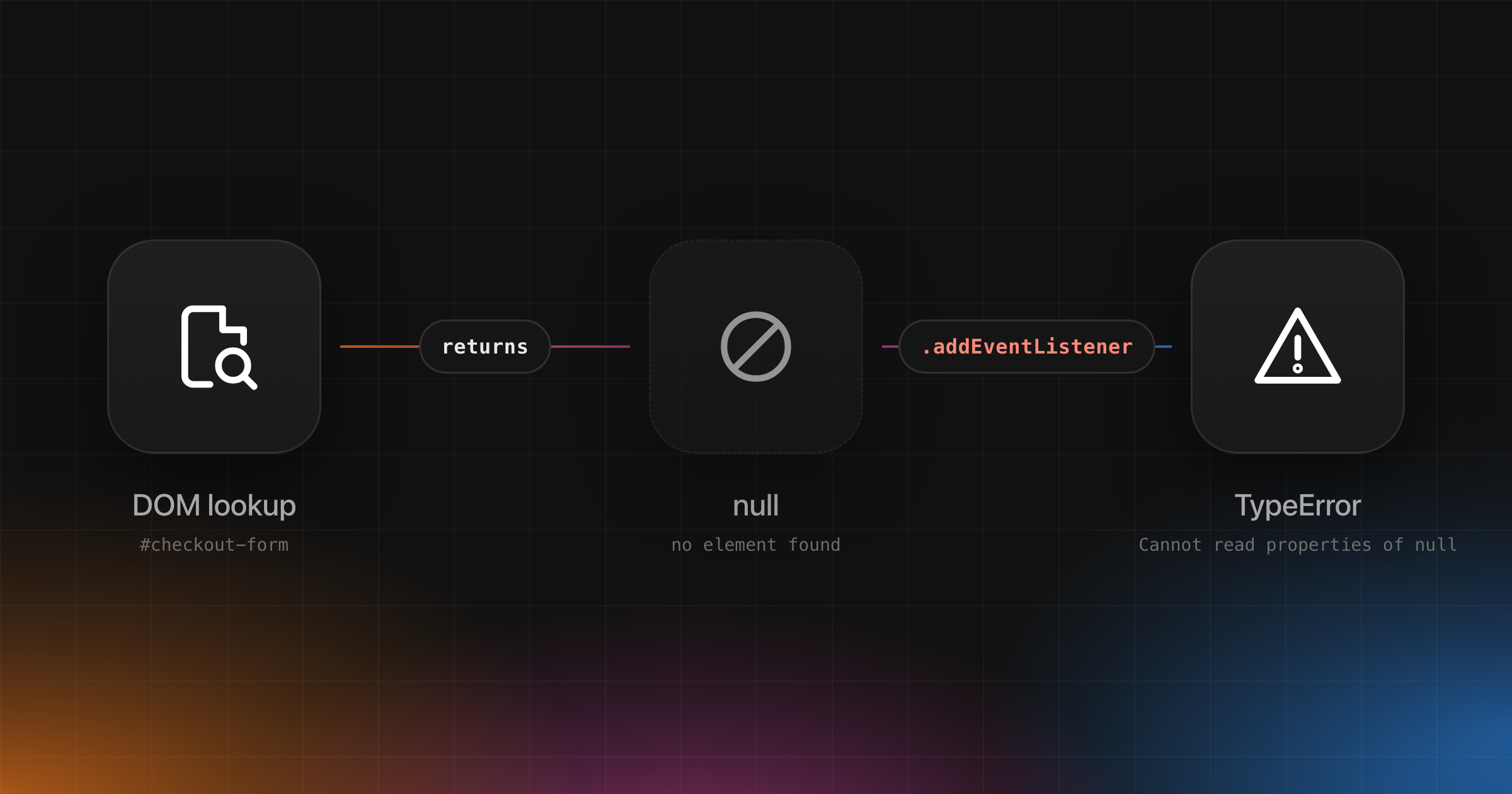
Cannot read properties of null (reading 'length') is the same error with null instead of undefined. The difference tells you where to look. undefined usually means something was never set: a missing property, an argument nobody passed, state before data arrives. null is usually set on purpose, often by an API that found nothing, such as a DOM lookup or a database row that doesn’t exist. Every fix below handles both.
Common causes
Data that hasn’t loaded yet
The value starts as undefined and only gets filled in after a request finishes. Any code that runs before that reads from nothing.
1let user;2fetchUser().then((data) => {3 user = data;4});56console.log(user.name);7// TypeError: Cannot read properties of undefined (reading 'name')
A wrong property path
A typo, a renamed field, or one level too deep. Reading a property that doesn’t exist returns undefined without an error. The error comes one step later, when you read something from that undefined.
1const order = { shipping: { address: { city: "Prague" } } };23order.shippingAddress.city;4// TypeError: Cannot read properties of undefined (reading 'city')
An array method on undefined
This is where (reading 'map'), (reading 'length'), (reading 'filter') and (reading 'forEach') come from. The array you expected isn’t there.
1const res = await fetch("/api/orders").then((r) => r.json());23res.items.map((item) => item.id);4// TypeError: Cannot read properties of undefined (reading 'map')
Indexing past the end of an array also returns undefined, so items[0].id on an empty array fails the same way.
Destructuring undefined
Destructuring reads properties too, so it throws on undefined and null. Defaults don’t save you here. A default applies when a property is missing or undefined, not when the whole object is.
1function renderTotal({ total, currency }) {}23renderTotal();4// TypeError: Cannot destructure property 'total' of 'undefined' as it is undefined.
A method that lost its this
this depends on how a function is called, not where it’s defined. Pass a class method around as a callback and it gets called without an object. Class bodies always run in strict mode, so this is undefined inside it.
1class Cart {2 items = [];3 count() {4 return this.items.length;5 }6}78const cart = new Cart();9const count = cart.count;10count();11// TypeError: Cannot read properties of undefined (reading 'items')
Bind it with cart.count.bind(cart), or call it through an arrow function: () => cart.count().
An API that changed shape
Your code reads data.user.email, and the backend now returns data.account.email. Nothing fails at the boundary. The undefined travels through your app until something reads from it, often far from the request. This one is the hardest to trace from a stack trace alone, because the line that throws isn’t the line that’s wrong.
How to fix it
Start with the question the error is really asking: is this value allowed to be missing? If yes, handle it. If no, find out why it’s missing. Covering up a value that should always exist only moves the bug somewhere quieter.
Optional chaining (?.)
?. stops and returns undefined when the value on its left is null or undefined, instead of throwing.
1const city = order.shipping?.address?.city; // undefined, no error2const ids = res.items?.map((item) => item.id); // undefined if items is missing
Note the second line. ids is now undefined, so the next line that reads ids.length throws the same error. Pair it with a fallback.
Nullish coalescing (??)
?? returns the right side only when the left side is null or undefined. Unlike ||, it keeps 0 and "", which are often real values.
1const ids = (res.items ?? []).map((item) => item.id);2const count = settings.retries ?? 3; // keeps 0 if retries is 0
Default parameters
A default parameter applies when the argument is missing or undefined. It’s the fix for the destructuring case above:
1function renderTotal({ total = 0, currency = "USD" } = {}) {}23renderTotal(); // fine
It doesn’t apply to null. renderTotal(null) still throws.
Guards
When missing data means the code shouldn’t run at all, return early. It’s easier to read than a chain of ?., and it makes the missing case explicit.
1function formatAddress(address) {2 if (address == null) return "No address";3 return `${address.street}, ${address.city}`;4}
== null matches both null and undefined. If you write if (!address) instead, remember it also catches 0, "" and false.
TypeScript: strictNullChecks and noUncheckedIndexedAccess
With strictNullChecks off, TypeScript ignores null and undefined, so it can’t warn you about this error at all. Turn it on and they get their own types. Reading user.name when user might be undefined becomes a compile error instead of a production one.
noUncheckedIndexedAccess covers the case strictNullChecks misses: index access. With it on, items[0] has the type Item | undefined, and so does any key read from an index signature, like env[name]. It’s noisier, since even a bounds-checked for loop needs a check, but it catches the empty-array bug before it ships.
1{2 "compilerOptions": {3 "strictNullChecks": true,4 "noUncheckedIndexedAccess": true5 }6}
Validate data at the boundary
TypeScript trusts whatever you tell it about a fetch response. If the API changed shape, your types are still happy and the undefined gets through. Parse responses with a schema library at the point they enter your app. With Zod, .parse() throws a ZodError that names the field that failed, and .safeParse() returns a result you can check:
1import { z } from "zod";23const Orders = z.object({ items: z.array(z.object({ id: z.string() })) });45const orders = Orders.parse(await res.json());6// Throws here, naming `items`, instead of three files later on `.map`
That turns the hardest cause on this list into the easiest one to find.
In React
React renders your component, then runs effects. So if you fetch in useEffect, the first render always happens before the data exists. The state still holds its initial value.
1function Orders() {2 const [orders, setOrders] = useState();34 useEffect(() => {5 fetchOrders().then(setOrders);6 }, []);78 return orders.map((o) => <Row key={o.id} order={o} />);9 // TypeError: Cannot read properties of undefined (reading 'map')10}
Either start with a value of the right shape, useState([]), or render something else while you wait:
1if (orders === undefined) return <Spinner />;2return orders.map((o) => <Row key={o.id} order={o} />);
The other React version is .map on an undefined prop. A parent passes items={data.items} before data has loaded, or a refactor renamed the prop on one side only. Give the prop a default where you destructure it, function List({ items = [] }), and make the parent decide what to render while loading. A spinner in the parent beats an empty list in the child that looks like “no results”.
Find which value was undefined in production
Locally, you open DevTools and look. In production you get one line from a minified bundle, something like index-3f9a.js:1:20431, reading 'map' from a variable called e. Three things get you from there to the bug.
Source maps. Upload them with each release so your error tracker can map the minified frame back to the original file, line and variable names. Without them, the stack trace tells you almost nothing.
The stack trace and the release. Once the frame points at real code, check that line in the release that threw, not your current branch, which may have changed since. If the error first appeared right after a deploy, the diff of that deploy is usually where the answer is.
What the user did first. The line that throws often isn’t the line that’s wrong. A session replay shows the clicks and pages before the error, which is usually enough to see which path left the value empty.
How Interfere handles it
Interfere is an error tracker for web apps that catches errors like “Cannot read properties of undefined” in production, ranks them by how many users and which customer accounts they affect, and investigates the likely cause tied to the release and code.
Our docs walk through this exact error. After a release, customers choosing store pickup can’t finish checkout. The exception names postalCode on an undefined value: the release added a read of shippingAddress.postalCode to a path store pickup also uses, where there’s no shipping address. The investigation ties it to that release and the checkout code, and the affected sessions show customers choosing pickup first.
Sort the Inbox by affected users to see it first, and open Companies to see which customer accounts are hit. Your coding agent picks the problem up over MCP and writes the fix. After the deploy, the problem moves to In recovery, and reopens as a regression if it comes back.
More teams now run like software factories, with coding agents opening pull requests all day. Shipping isn’t the hard part anymore. Knowing what broke, who it hit and whether the fix held is. If you merge more pull requests than anyone can read line by line, that loop is how you keep your sanity.
It’s for web apps only, with SDKs for Next.js, React with Vite and TanStack Start, and no mobile SDKs.
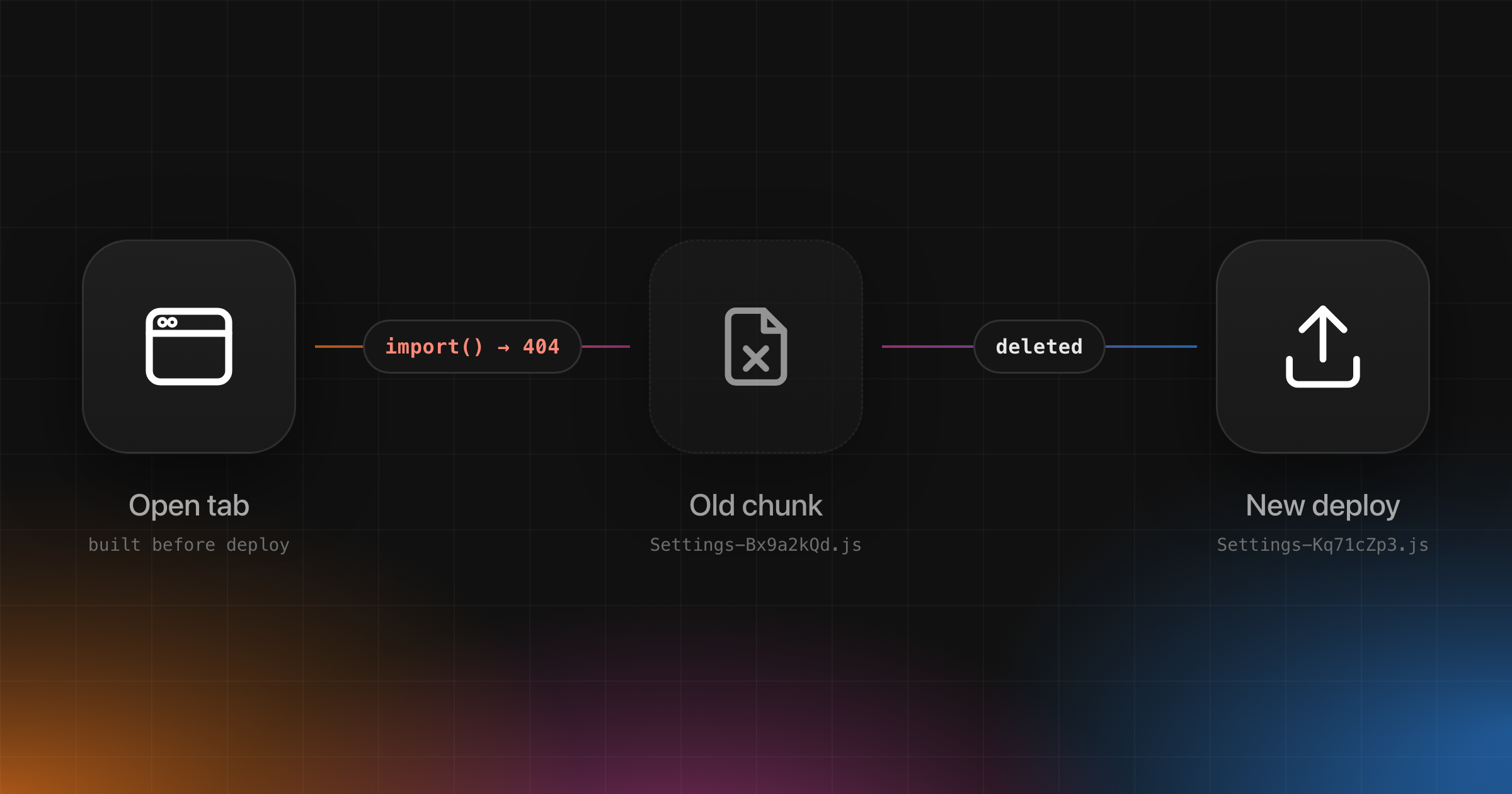
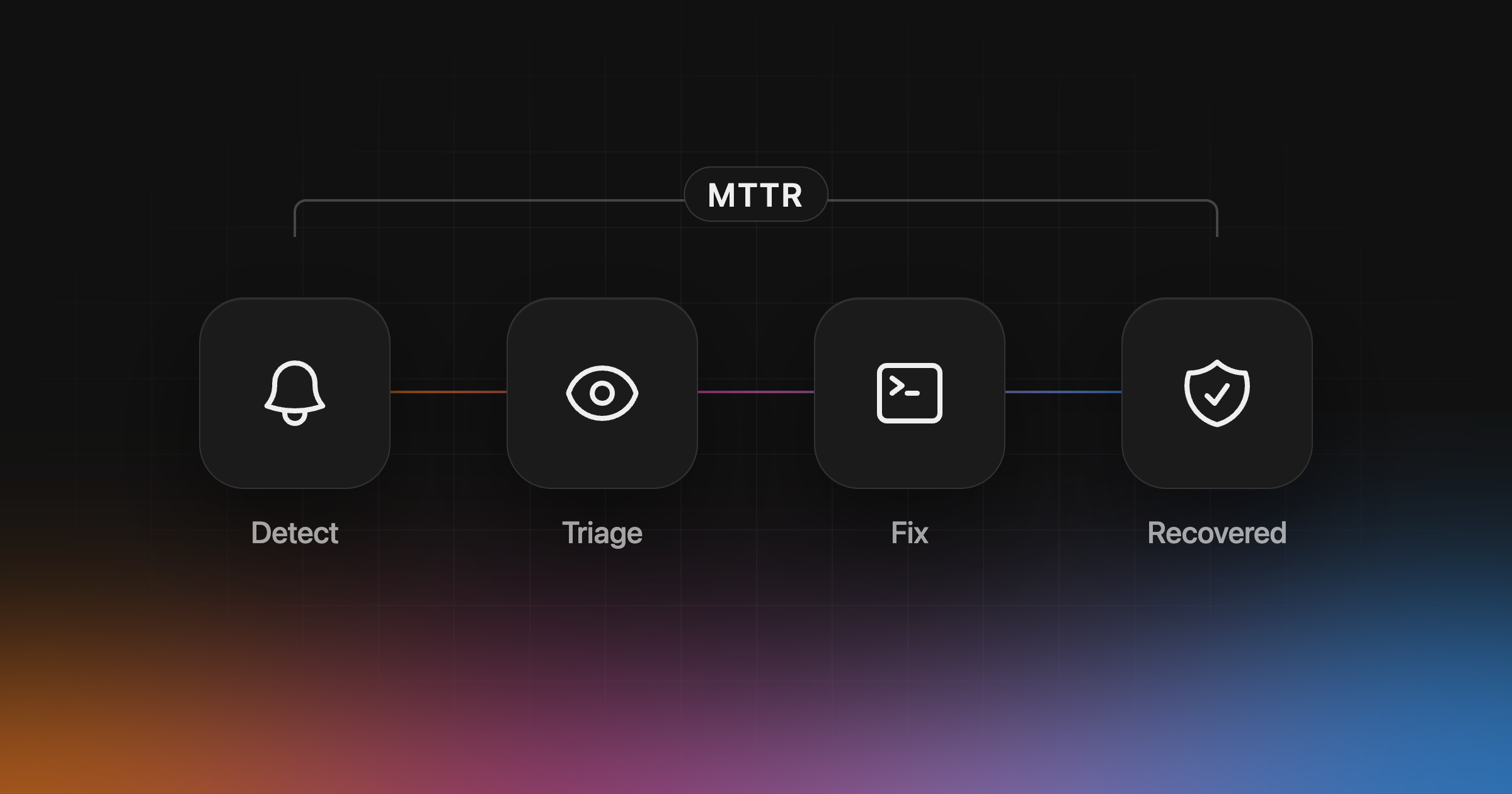
Related: Failed to fetch dynamically imported module, how to reduce MTTR. Set up Interfere and see which of your users hit this error after your next deploy.
Is it always a bug?
Usually, yes. But not always in the line that throws. The error tells you where the code noticed something was missing. The bug is wherever that value should have been set and wasn’t. Fix it there, and keep ?. for values that are allowed to be missing.