Levi Gans
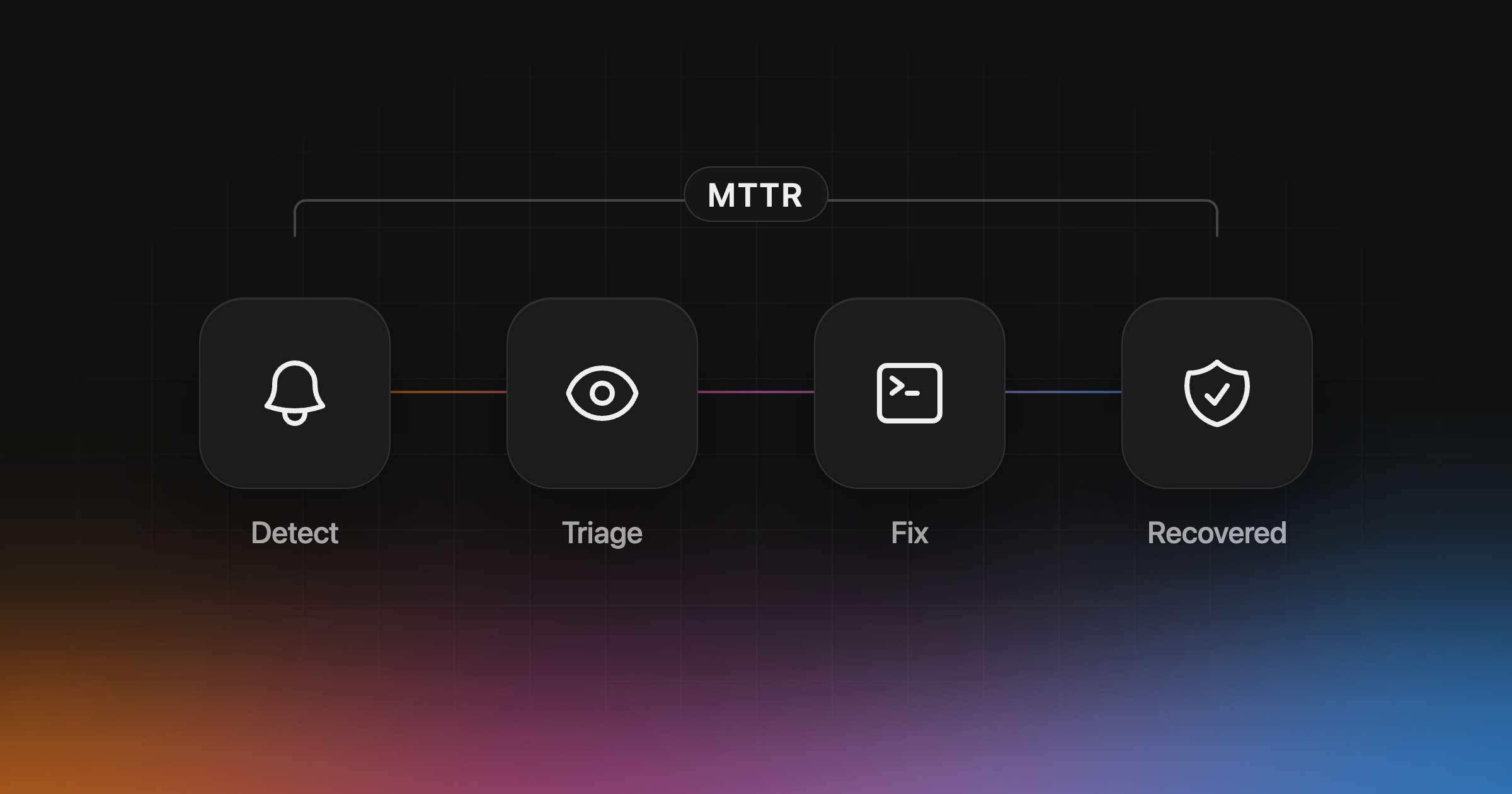
MTTR, or mean time to resolution, is the average time from a production bug starting to it being fixed for your users. It is the number that tells you how long customers live with a broken app. Some teams read the R as recovery, repair or respond, so say which one you mean before you compare numbers.
How to calculate MTTR
Add up the time from start to resolution for each incident in a period, then divide by the number of incidents.
1MTTR = total resolution time / number of incidentsThree bugs that took 2 hours, 4 hours and 30 minutes give an MTTR of 6.5 hours divided by 3, or about 2 hours 10 minutes.
Two choices change the result more than anything else:
- When the clock starts. Start it when the bug first affected users, not when someone noticed it. Otherwise slow detection never shows up in the number.
- Mean or median. One long incident can double the mean. Report the median next to it.
MTTR vs MTTD and MTTA
| Metric | Measures | Ends when |
|---|---|---|
| MTTD | Mean time to detect: how long a bug goes unseen | Someone or something sees it |
| MTTA | Mean time to acknowledge | Someone owns it |
| MTTR | Mean time to resolution: the whole incident | Users are no longer affected |
MTTD and MTTA are parts of MTTR, so cutting detection time cuts MTTR too. The DORA metrics use a close cousin, failed deployment recovery time: how long it takes to recover from a deployment that needs immediate intervention.
Where the time goes
| Stage | What usually slows it down |
|---|---|
| Detect | Waiting for a user to report it |
| Triage | Hundreds of similar errors, no sense of who is affected |
| Find the cause | Switching between logs, traces, replays and the deploy history |
| Fix | Rebuilding the context before writing a line of code |
| Confirm recovery | Nobody checks, so the bug quietly comes back |
Most of the time goes before the fix: finding the bug and working out why it happened.
How to reduce MTTR at each stage
Detect it before users do. Capture errors, failed requests and slow routes from the browser and the server, and alert on new problems, not on every event. Interfere watches errors, sessions and traces and opens a problem when something breaks.
Triage by impact. Group repeated errors into one problem and rank it by how many users it hits. Interfere gives each problem a priority and the list of affected users and sessions.
Find the cause with the evidence in one place. Link the problem to the release, pull request and commit that introduced it, and keep the stack trace, session replay and traces next to it.
Fix it with the full context. Interfere suggests a fix linked to your code. If your team uses a coding agent, any agent that supports MCP can read the same investigation and open the pull request. The Grok Bot guide shows a scheduled example.
Confirm recovery. After you deploy, Interfere moves the problem to In recovery, then to Resolved once new occurrences stop. If the bug comes back, it reopens as a regression, so a fix that missed the cause shows up instead of hiding in the average.
Measure it the same way every time
Pick the start and end points once and keep them. A good default is from the first affected user to the last occurrence before the problem is resolved. Track the median monthly, and look at the slowest incidents individually: they usually show which stage to fix next.
See how Interfere lowers MTTR, or set up Interfere to start measuring it on your own app.