Levi Gans
1Error: read ECONNRESETIt shows up in your Node.js logs a few times an hour. Never on your laptop. Never twice in a row. The stack trace ends somewhere inside Node’s networking code and says nothing about which request failed or why.
ECONNRESET means the other end of a TCP connection reset it. The server, a load balancer, a proxy or a NAT gateway in between sent a reset (RST) packet, and your request died with it. Most of the time it’s a timing problem between two idle timeouts, and you can fix it with two numbers.
This guide covers what the error means, how it differs from socket hang up, ETIMEDOUT and ECONNREFUSED, how to tell the causes apart and how to fix each one.
What ECONNRESET means
The Node.js errors docs define it as “Connection reset by peer”: “A connection was forcibly closed by a peer. This normally results from a loss of the connection on the remote socket due to a timeout or reboot.”
The name comes from the operating system. The errno(3) man page lists ECONNRESET as “Connection reset”, and Node passes the code through. At the TCP level, RFC 9293 says “reset (RST) is sent whenever a segment arrives that apparently is not intended for the current connection.” So your client wrote to a connection the other side had already forgotten.
The “peer” is whoever your socket talks to directly. Behind a proxy or load balancer, that’s the proxy, not your API.
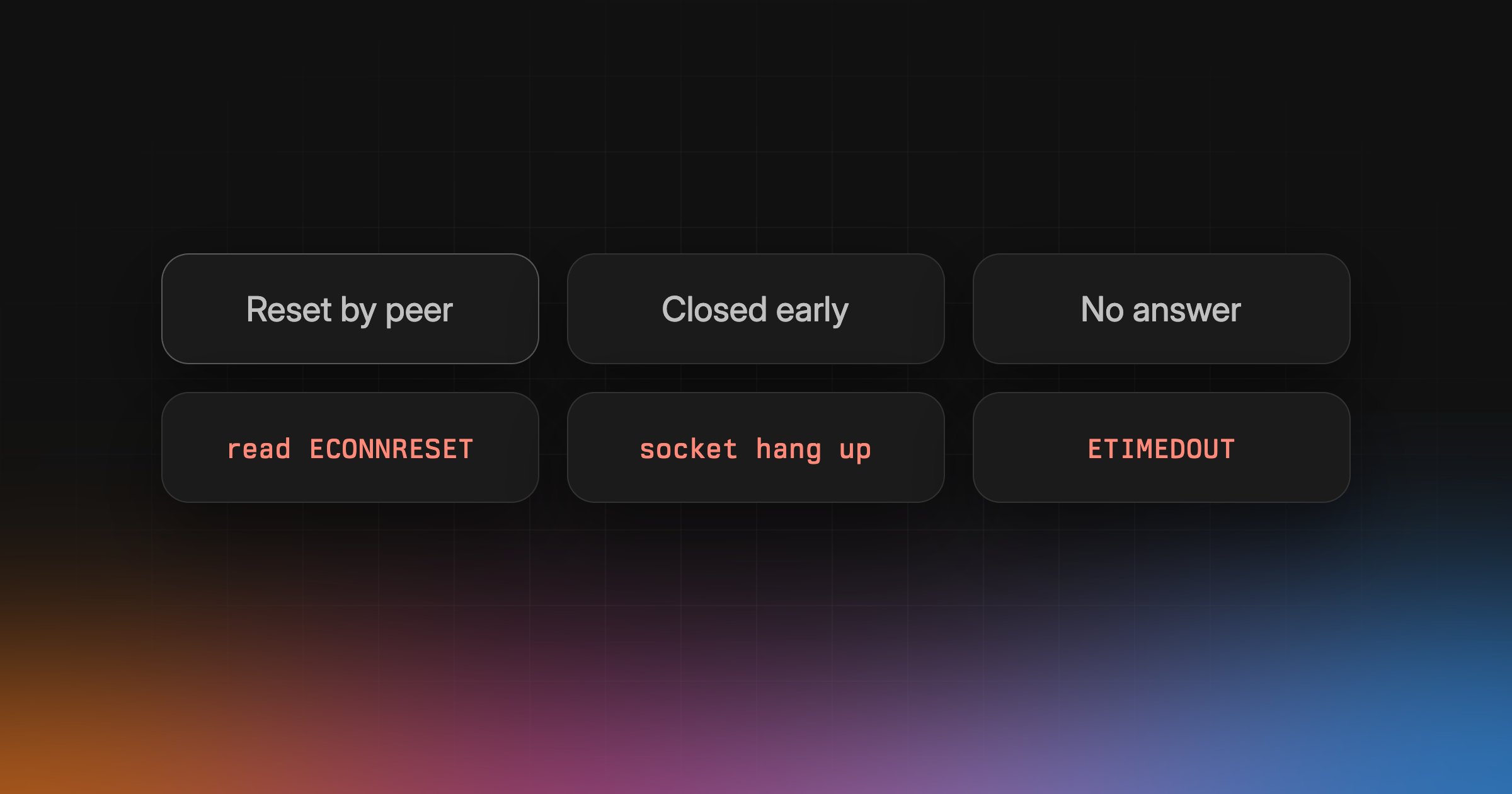
ECONNRESET, socket hang up, ETIMEDOUT and ECONNREFUSED
Four errors get mixed up here. We triggered each one against a local server in Node.js 24:
| Message | What happened |
|---|---|
read ECONNRESET | Peer sent a reset |
socket hang up | Peer closed before responding |
connect ECONNREFUSED | Nothing listening on the port |
connect ETIMEDOUT | No answer to connect |
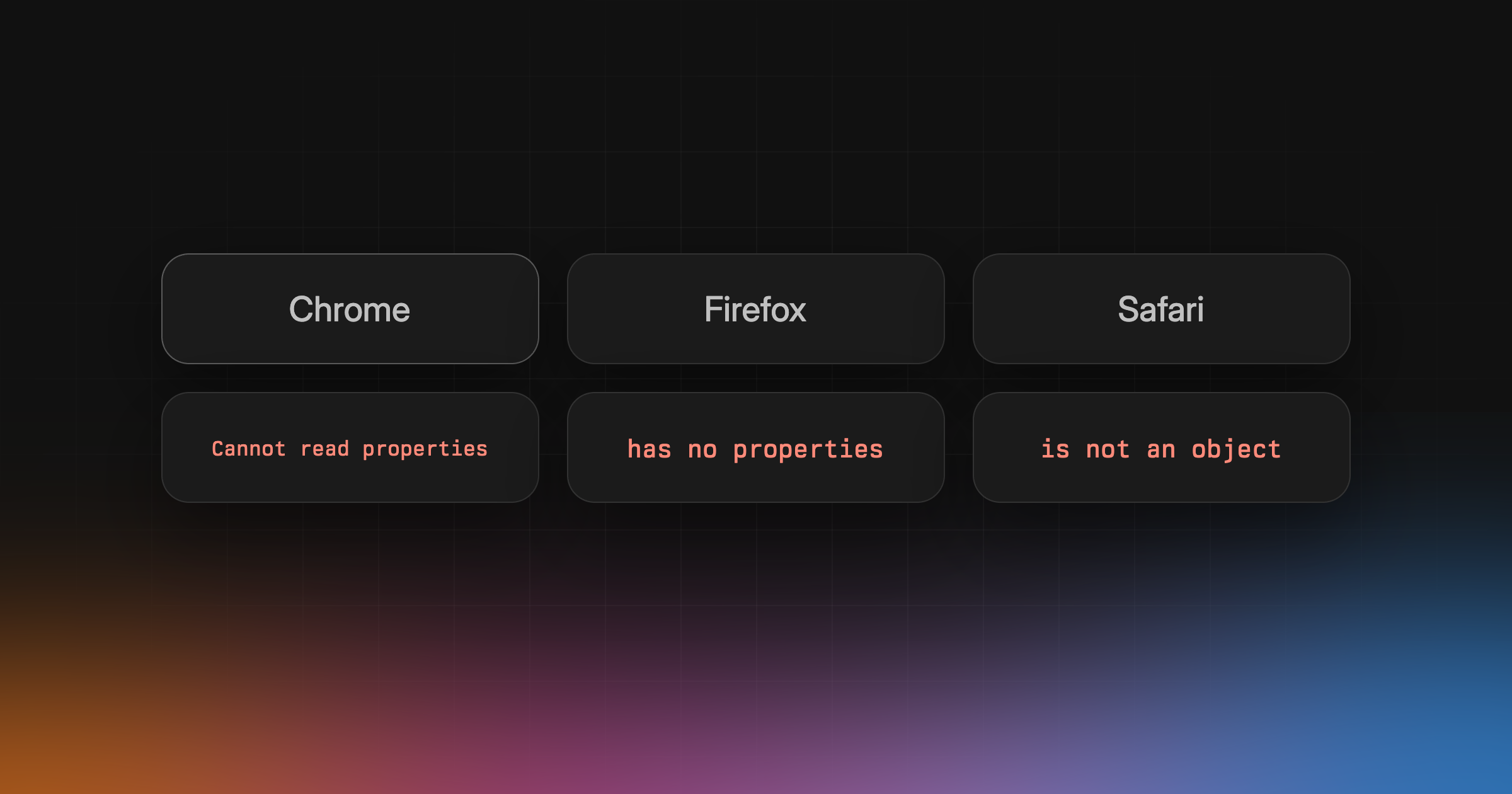
When the server reset the connection after reading the request, http.get() failed with Error: read ECONNRESET. When it closed the connection cleanly instead, without sending a response, the error was Error: socket hang up. Both carry code: 'ECONNRESET'. That’s why they turn up together.
socket hang up is Node’s own message. The HTTP docs say a “premature connection close before the response is received” emits “an error with message 'Error: socket hang up' and code 'ECONNRESET'”. In the source, it’s a ConnResetException('socket hang up') in lib/internal/http/client.js.
ECONNREFUSED is different. No connection ever existed. The connect(2) man page says “A connect() on a stream socket found no one listening on the remote address.” The service is down, the port is wrong, or it isn’t listening yet.
ETIMEDOUT means “the connected party did not properly respond after a period of time”, per the Node docs. When we connected to an address that drops packets, Node printed connect ETIMEDOUT 10.255.255.1:80 after 75 seconds on macOS. That wait comes from the operating system. Set your own timeout instead of waiting for it.
What Node’s fetch shows
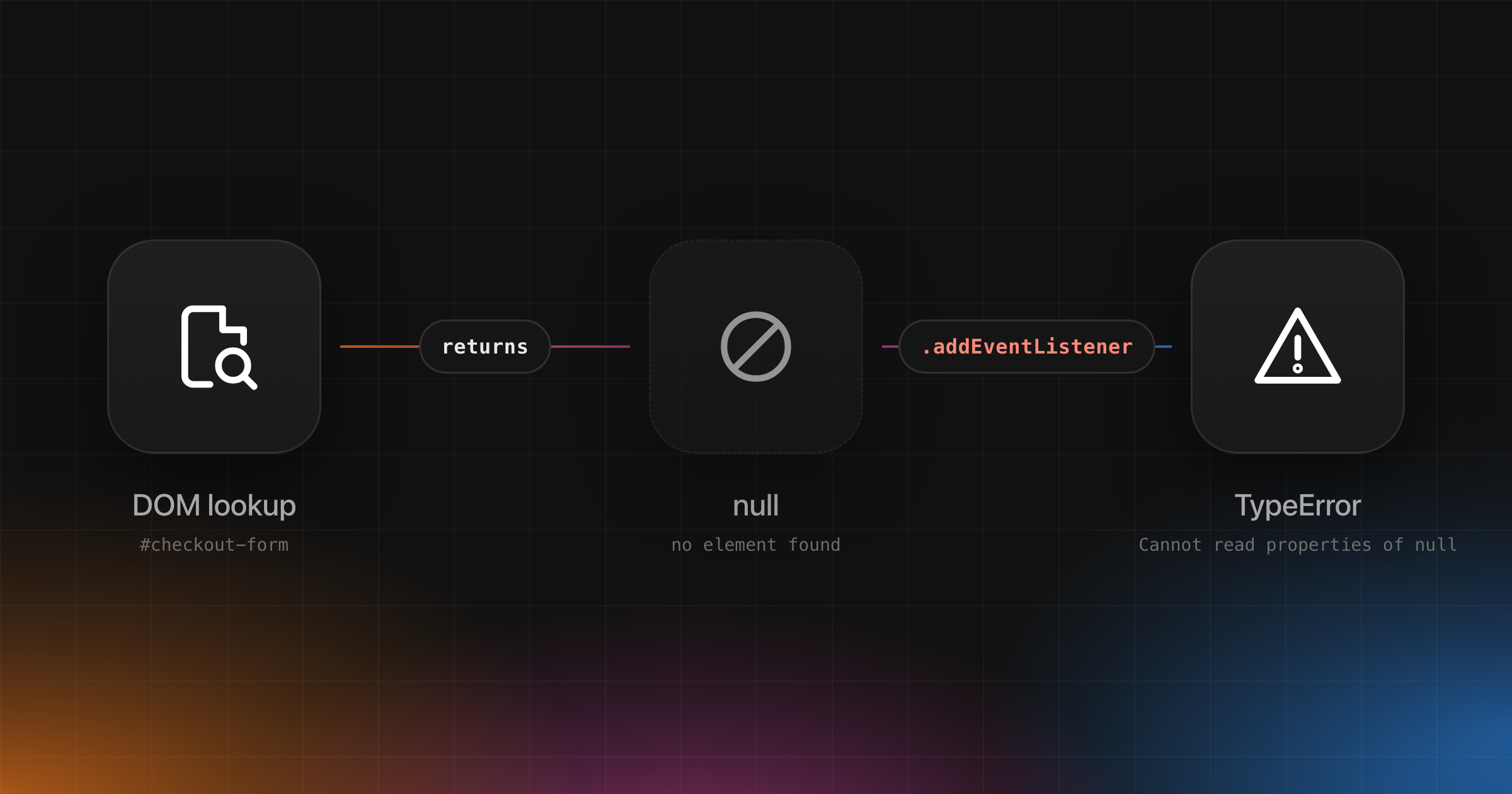
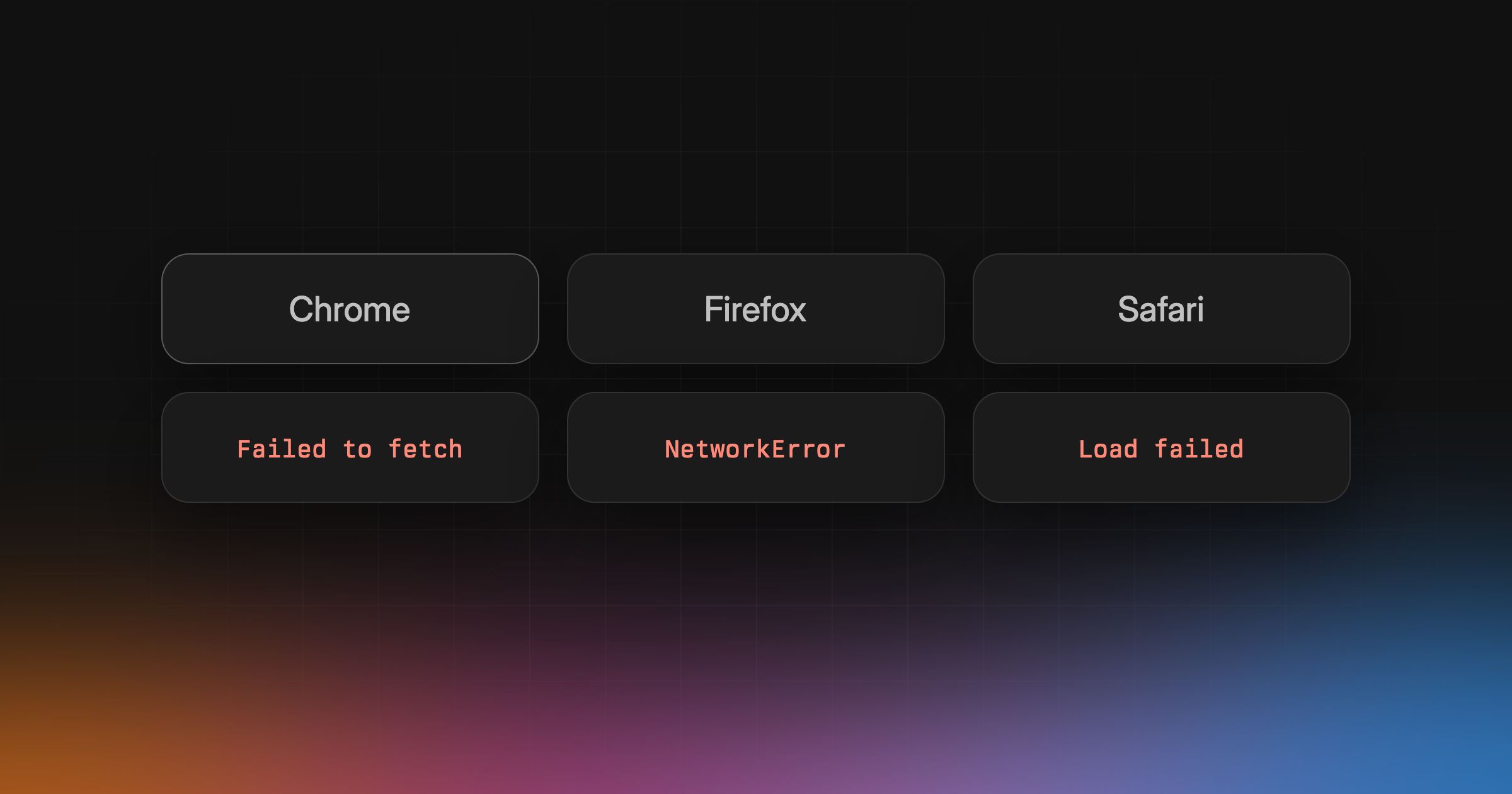
Node’s fetch() wraps all of these in TypeError: fetch failed and puts the real error on error.cause:
1TypeError: fetch failed2 cause: Error: read ECONNRESET code: ECONNRESET3 cause: SocketError: other side closed code: UND_ERR_SOCKET4 cause: Error: connect ECONNREFUSED ... code: ECONNREFUSED
The first and second lines are the same two server behaviors as above. A clean close shows up as other side closed with UND_ERR_SOCKET, from undici’s HTTP/1 client, not as socket hang up. If you log only error.message, every one of these reads “fetch failed”. Log error.cause.code.
The real causes
| Cause | Pattern | Tell |
|---|---|---|
| Keep-alive race | Random, low rate | req.reusedSocket is true |
| LB idle timeout | 502s at the LB | Node keepAliveTimeout too low |
| NAT or firewall idle | After long idle | Long-lived connections |
| TLS handshake cut | Before any request | “before secure TLS” message |
| Server crash or deploy | Bursts | Matches restarts |
The server closed a keep-alive connection
This is the usual one. Your HTTP client keeps idle connections open to reuse them. The server closes idle connections after its own timeout. If your client sends a request on a connection at the same moment the server closes it, the request hits a dead socket.
The Node HTTP docs describe it directly: “If the server closes the connection at the same time that the agent reuses it, the request may encounter an ECONNRESET error.” A Node server’s keepAliveTimeout defaults to 5000 ms.
We reproduced it. A Node server with a 1 second keep-alive timeout told the client it would keep connections for 600 seconds, and a keepAlive: true agent sent a request every second. 7 of 15 requests failed with socket hang up, all with req.reusedSocket set to true. When the server sent an honest hint, all 15 succeeded, because Node’s agent closes idle sockets before the server’s advertised timeout.
That’s the part that bites. The hint only helps if it’s true, and a proxy between you and the server may not know the real timeout.
A load balancer’s idle timeout beats your server’s
The same race runs in the other direction when your Node server sits behind a load balancer. The load balancer keeps connections to your server open and reuses them. Your server’s 5 second keepAliveTimeout is far shorter than the load balancer’s.
AWS sets an Application Load Balancer’s idle timeout to 60 seconds by default and recommends “that you configure the idle timeout of your application to be larger than the idle timeout configured for the load balancer.” Otherwise, it says, “the load balancer sends an HTTP 502 Bad Gateway error to the client.”
Google Cloud fixes the backend keepalive timeout of its external Application Load Balancers at 600 seconds. It says that “must be less than the keepalive timeout used by software running on your backends” to avoid “a race condition where the operating system of your backends might close TCP connections with a TCP reset (RST).”
So the reset happens between the load balancer and your server, and your users see a 502. Look in the load balancer’s logs, not your app’s.
NAT gateways and firewalls
Long-lived connections through a NAT gateway or firewall get dropped when they sit idle. An AWS NAT gateway times out connections idle for 350 seconds or more, and then “returns an RST packet to any resources behind the NAT gateway that attempt to continue the connection (it does not send a FIN packet).” Database pools and long-polling clients hit this one.
TLS handshake cut off
If the connection closes during the TLS handshake, https reports Client network socket disconnected before secure TLS connection was established, still with code ECONNRESET. We got that message when our server closed the connection on receiving the ClientHello, and read ECONNRESET when it reset instead. Check the port, the protocol and whether a proxy in between speaks TLS.
The server crashed or restarted
A server that dies mid-request drops every open connection. You see a burst of socket hang up and ECONNRESET that lines up with a deploy, an out-of-memory kill or an autoscaler removing an instance. Compare the timestamps with your deploy log before you touch any timeouts.
Reproduce it
Two lines of server code cover both messages:
1import net from "node:net";23net.createServer((socket) => {4 socket.once("data", () => socket.resetAndDestroy());5}).listen(3000);
A request to that server fails with read ECONNRESET. Swap socket.resetAndDestroy() for socket.end() and it fails with socket hang up.
For the keep-alive race, the request.reusedSocket docs include a server with keepAliveTimeout: 3000 and keepAliveTimeoutBuffer: 0 and a client that sends a request every 3 seconds.
How to fix it
Set your server’s keep-alive timeout above the load balancer’s
If a load balancer sits in front of your Node server, raise keepAliveTimeout past the load balancer’s idle timeout:
1import http from "node:http";23const server = http.createServer(app);45// AWS ALB default idle timeout is 60 s6server.keepAliveTimeout = 65_000;78// Google Cloud external ALB backend keepalive is fixed at 600 s9// server.keepAliveTimeout = 620_000;1011server.listen(3000);
Pick the margin yourself. What matters is that the load balancer closes idle connections first. Since Node.js 24.6.0, Node also adds a keepAliveTimeoutBuffer of 1000 ms to the socket timeout. In our run, raising either value past the client’s reuse interval stopped the errors.
You can leave headersTimeout alone for this. In Node.js 24, a reused connection that sat idle past a 1 second headersTimeout still got a 200 in our test.
Close idle client connections before the server does
On the client side, close idle sockets earlier than the server’s timeout. With node:http, give the agent a timeout:
1import http from "node:http";23const agent = new http.Agent({ keepAlive: true, timeout: 4_000 });
In our race test, timeout: 500 against the 1 second server took the failures from 7 of 15 to zero.
fetch() in Node.js uses undici, whose keepAliveTimeout defaults to 4e3 ms and follows the server’s keep-alive hint, capped by keepAliveMaxTimeout at 600e3. If an upstream gives a hint longer than its real timeout, set both lower with your own dispatcher:
1import { Agent, fetch } from "undici";23const dispatcher = new Agent({ keepAliveTimeout: 4_000, keepAliveMaxTimeout: 4_000 });4const response = await fetch(url, { dispatcher });
Retry, but only what’s safe to repeat
A reset can arrive after the server already acted on your request. RFC 9110 says “A client SHOULD NOT automatically retry a request with a non-idempotent method unless it has some means to know that the request semantics are actually idempotent.” Retrying a POST that charged a card charges it twice.
So retry GET, HEAD, OPTIONS, PUT and DELETE, and retry a POST only when the server supports an Idempotency-Key header, which an IETF draft defines to make methods like POST “fault-tolerant”.
1const RETRYABLE = new Set(["ECONNRESET", "ECONNREFUSED", "ETIMEDOUT", "EPIPE", "UND_ERR_SOCKET"]);23function networkCode(error: unknown): string | undefined {4 const cause = (error as { cause?: { code?: string } })?.cause;5 return cause?.code ?? (error as { code?: string })?.code;6}78export async function fetchWithRetry(url: string, init: RequestInit = {}, attempts = 3) {9 const method = (init.method ?? "GET").toUpperCase();10 const headers = new Headers(init.headers);11 const safe = ["GET", "HEAD", "OPTIONS", "PUT", "DELETE"].includes(method) || headers.has("Idempotency-Key");1213 for (let attempt = 1; ; attempt++) {14 try {15 return await fetch(url, { ...init, headers, signal: AbortSignal.timeout(10_000) });16 } catch (error) {17 const code = networkCode(error);18 if (!safe || !code || !RETRYABLE.has(code) || attempt >= attempts) throw error;19 await new Promise((r) => setTimeout(r, 2 ** attempt * 100 + Math.random() * 100));20 }21 }22}
We ran it against a server that reset the first two connections. A GET succeeded on the third attempt. A POST without a key failed once with ECONNRESET and didn’t retry. A POST with an Idempotency-Key retried and succeeded. The 10 second AbortSignal.timeout() gives each attempt its own limit, so you never wait 75 seconds for the operating system.
With undici you can use its RetryAgent instead. By default it retries ECONNRESET, ECONNREFUSED, EPIPE, UND_ERR_SOCKET and a few DNS and network codes, only for GET, HEAD, OPTIONS, PUT, DELETE, TRACE and QUERY.
With node:http, the docs show the narrow version: retry only when req.reusedSocket && err.code === 'ECONNRESET'. That catches the keep-alive race and nothing else.
Long idle connections
Send traffic before the NAT or firewall timeout, or have the pool close connections sooner. For the 350 second NAT gateway limit, AWS suggests initiating more traffic over the connection.
Catch it in production with Interfere
Interfere is an error tracker for web apps that groups repeated ECONNRESET and socket hang up errors from your Node.js services into problems, sorts them by how many users they affect, shows which customer accounts and customer tiers they hit, and hands them to your coding agent over MCP.
A few resets a day is normal background noise. The ones worth chasing are a rate that doubled after a deploy, or resets that only hit requests from one customer’s integration. Both are easy to miss in logs, and harder still when coding agents push hundreds of pull requests a day and any one of them could have changed an HTTP client or a timeout. Interfere is built for that pace. Interfere takes OpenTelemetry traces and logs over OTLP/HTTP, so a Node.js service needs no Interfere SDK. It detects new problems and regressions as errors arrive and investigates them against your releases and code.
The Inbox sorts problems by affected users and shows which customer tiers each one reaches, and Companies names the accounts. A reset that only hits your Enterprise customers is worth fixing today, and you can set the priority to match. Your coding agent picks the problem up over MCP and writes the fix.
It’s built for web apps. There’s no OTLP/gRPC, no uptime checks and no profiling. See how to reduce MTTR, or set up Interfere.
The short version
ECONNRESET means something between you and the server reset the connection. Usually it’s two idle timeouts racing. The side that reuses a connection has to give up on it before the side that accepts it does. So raise your server’s keepAliveTimeout above the load balancer’s, close idle client sockets early, and retry only what’s safe to send twice. Whatever still resets after that is a real outage, and that’s worth an alert.