Open Vercel settings and complete Vercel’s authorization flow. Choose the account and projects to include.Open Configuration and link each Interfere surface to its Vercel project. A connection belongs to one Vercel account or team; add another connection for another account.
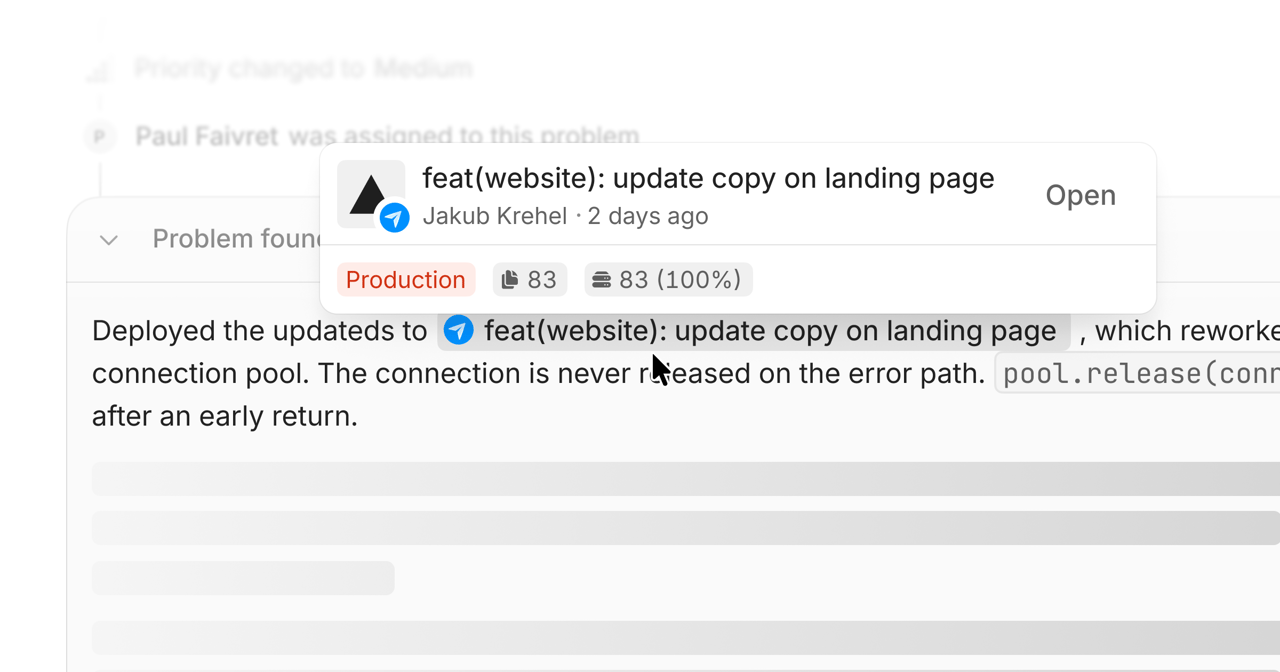
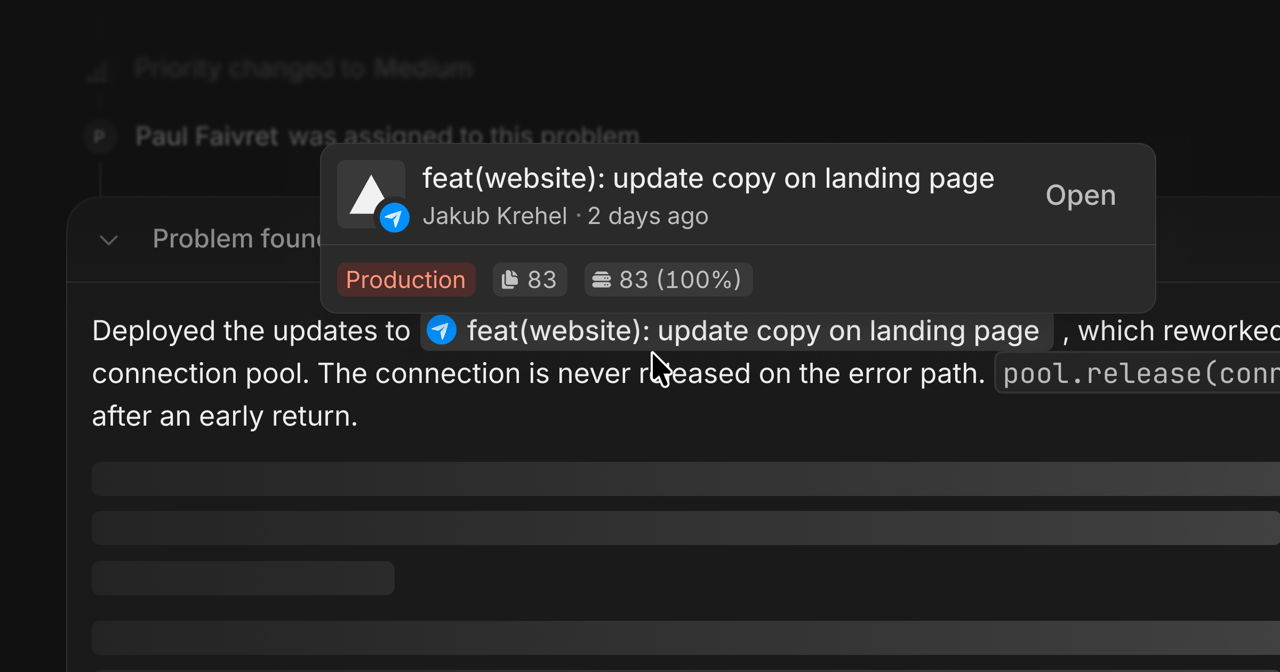
Deploy a code change and open the surface’s releases. Check that the deployment points to the expected commit. Interfere follows build states including building, ready, errored, and canceled.Redeploying the same commit uses the same release identity. The commit identifies the code version.
Open Drains after mapping the project and surface. Enable a trace drain, log drain, or both. Each drain shows whether it is live or paused, and you can pause, resume, or delete it.If the Next.js SDK also exports the same server telemetry, configure it to use the drain:
Set only the variable for each drain you enabled. These settings disable the corresponding SDK exporters; they do not create Vercel drains. See OpenTelemetry.