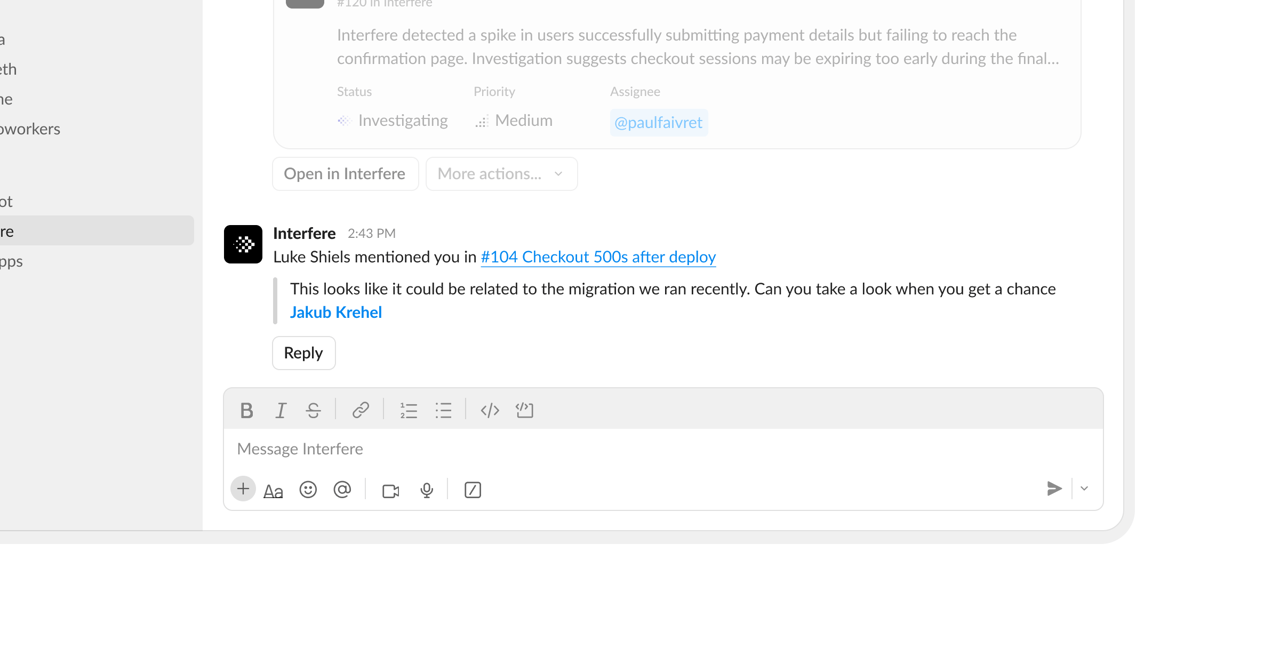
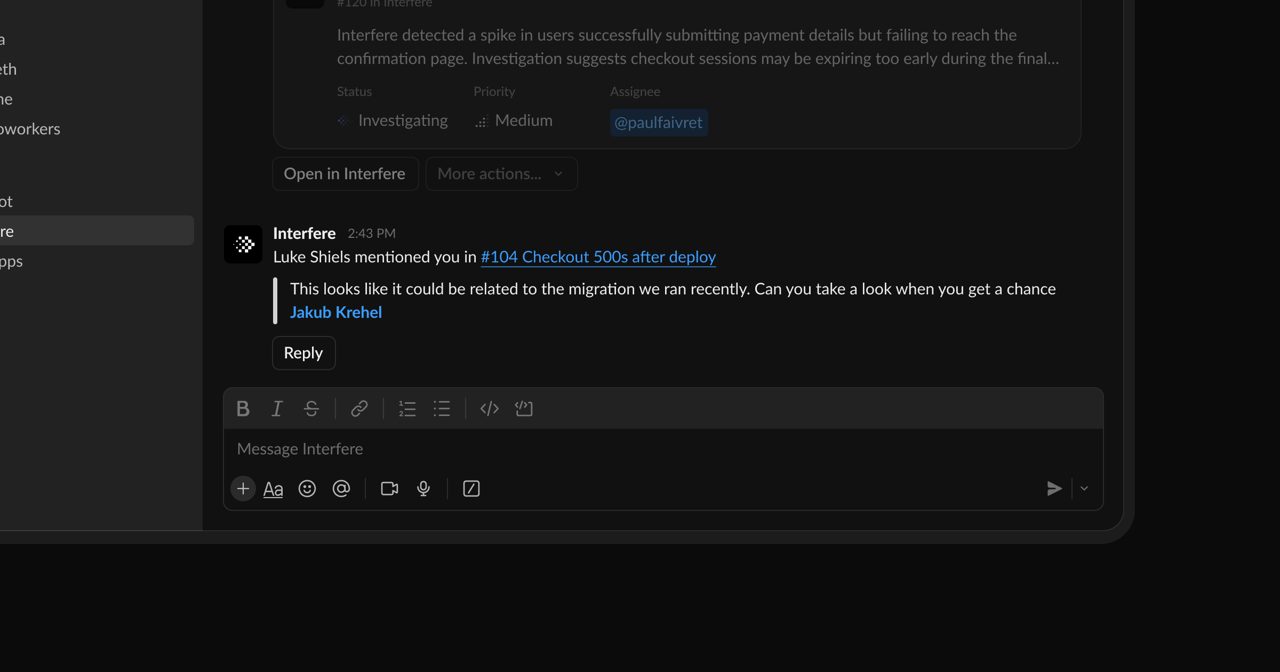
Slack is how Interfere reaches your team, and how your team hands work back to it. Connect it from Settings → Integrations → Slack.

What we use it for

  • Send notifications, routed to the channel you choose per category.
  • Deliver mentions and assignments as a direct message.
  • Give the agent a native home in Slack: an App Home, an assistant view, rich link previews, and MCP access.

Notifications by channel

Route each category to its own channel:
  • Problems: new problems, regressions, and recoveries raised by the agent.
  • Team activity: new surfaces, installs, and members joining.
  • Collaboration: mentions, assignments, reactions, and subscription updates.

Personal direct messages

Mentions and problem assignments also arrive as a direct message. The DM is sent by the teammate who installed Slack, with their Slack identity attached in Interfere. That’s why connecting Slack asks for user-level scopes in addition to the bot.

Permissions

Interfere requests the scopes it needs to post, route, and DM. The main ones:
ScopeWhy
chat:writePost messages to channels and direct messages.
chat:write.publicPost to public channels without being invited first.
im:writeOpen and send direct messages.
channels:read, groups:readList channels so you can route each category to one.
users:read, users:read.emailResolve teammates for mentions and assignments.
assistant:writePower the assistant view in Slack.
canvases:read, canvases:writeRender rich previews for problems and tasks.
Alongside these, Interfere requests standard read scopes for users and channels so routing and previews work.

Gotchas

  • Reconnect if access is revoked. Slack tokens don’t expire on their own, but if the app is removed or its access is revoked, Interfere marks the connection for reconnection.
  • Routing is kept on reconnect. If you reinstall Slack, your existing channel routing is restored.