

Create a surface
Follow Create a surface to name your app, choose its framework, and connect the SDK.Check incoming events
Open the surface in Surfaces and inspect its event chart. New surfaces wait for their first event; after capture starts, the chart shows event volume over time.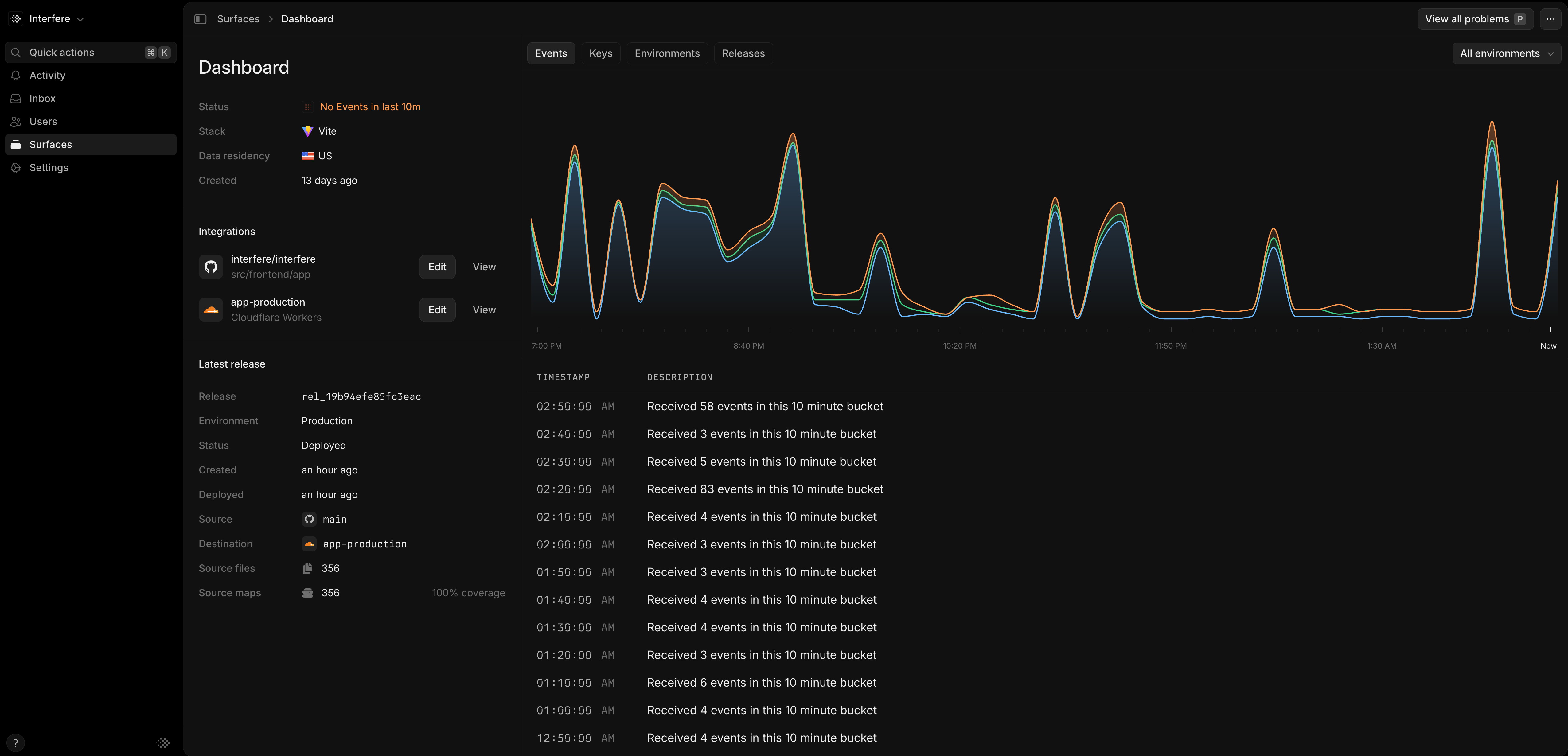
The Events tab shows incoming telemetry for the selected environment.
Keys
The public key identifies the surface receiving telemetry and can ship in browser code. The secret API key registers releases and uploads source maps from your build pipeline. Keep it in your server or CI environment. Open the surface’s key settings to manage these credentials. See API keys for workspace automation keys.Environments and releases
An environment labels traffic from a deployment, such asproduction or staging. Use environment filters when reviewing problems so you can focus on the deployment you are investigating.
A release identifies a version of your code. Open the surface’s Releases tab to review its environments and deployment times. See Releases for how releases and source maps help you investigate a problem.
Use Terraform to manage surface names and framework types in infrastructure configuration.