

Connect repositories
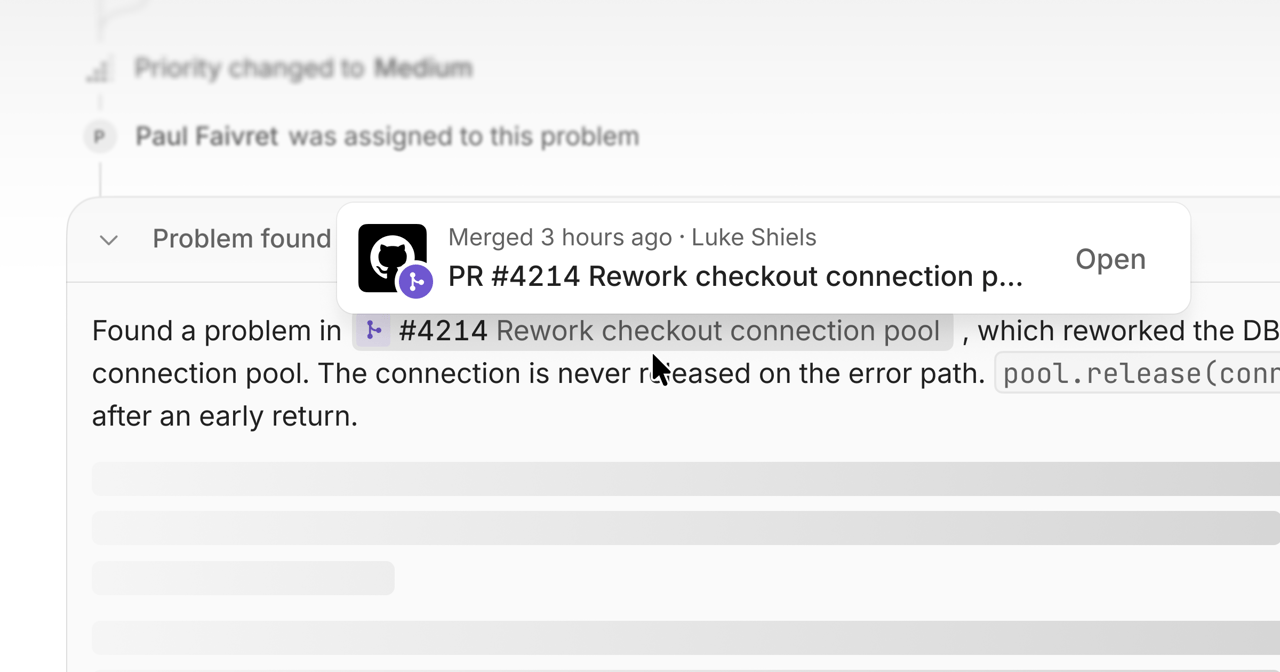
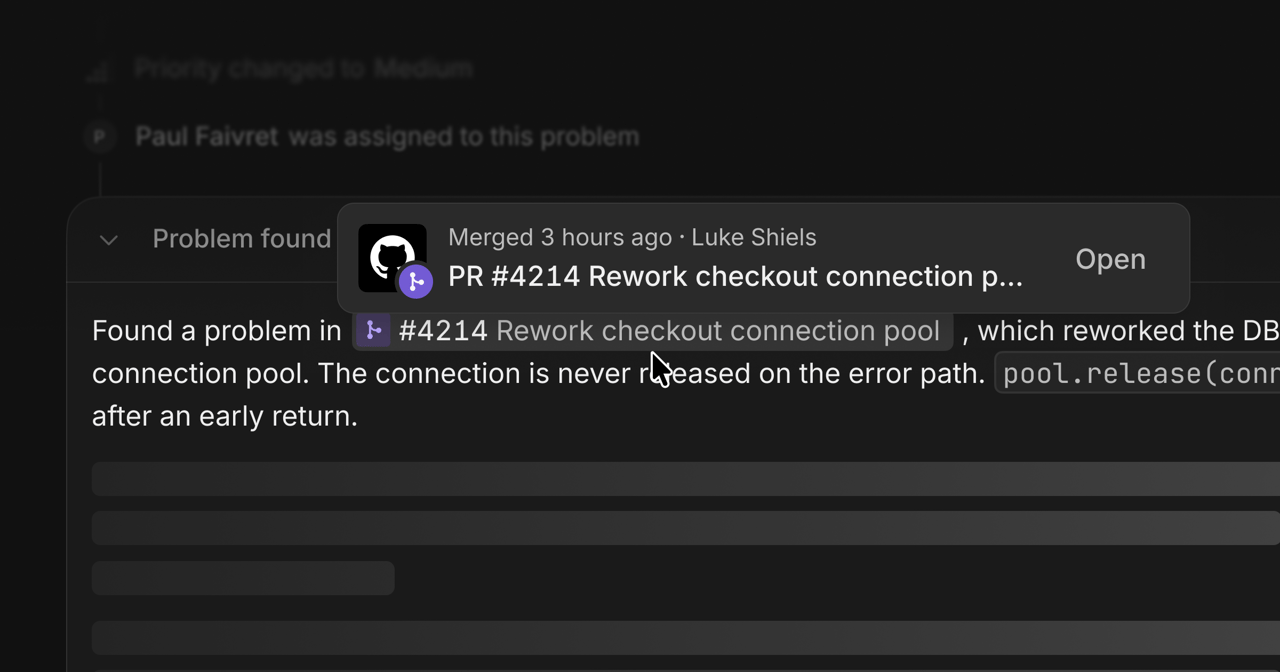
Open GitHub settings, install the Interfere GitHub App, and choose the repositories it can read. Link the repository to the corresponding surface. For a monorepo, select the app that belongs to that surface. After deploying with the SDK build plugin, check the surface’s release for the expected commit. Investigations can then use that source when explaining errors.Repository access
The GitHub App requests read access to repository contents and metadata. It uses that access to detect apps and frameworks, read source files, and associate problems with commits and releases. The connection cannot push code or open pull requests. To include another repository, update the app’s repository access in GitHub.GitHub Enterprise Cloud
For a*.ghe.com host, follow GitHub Enterprise Cloud. Enterprises hosted on github.com use the GitHub connection described above.