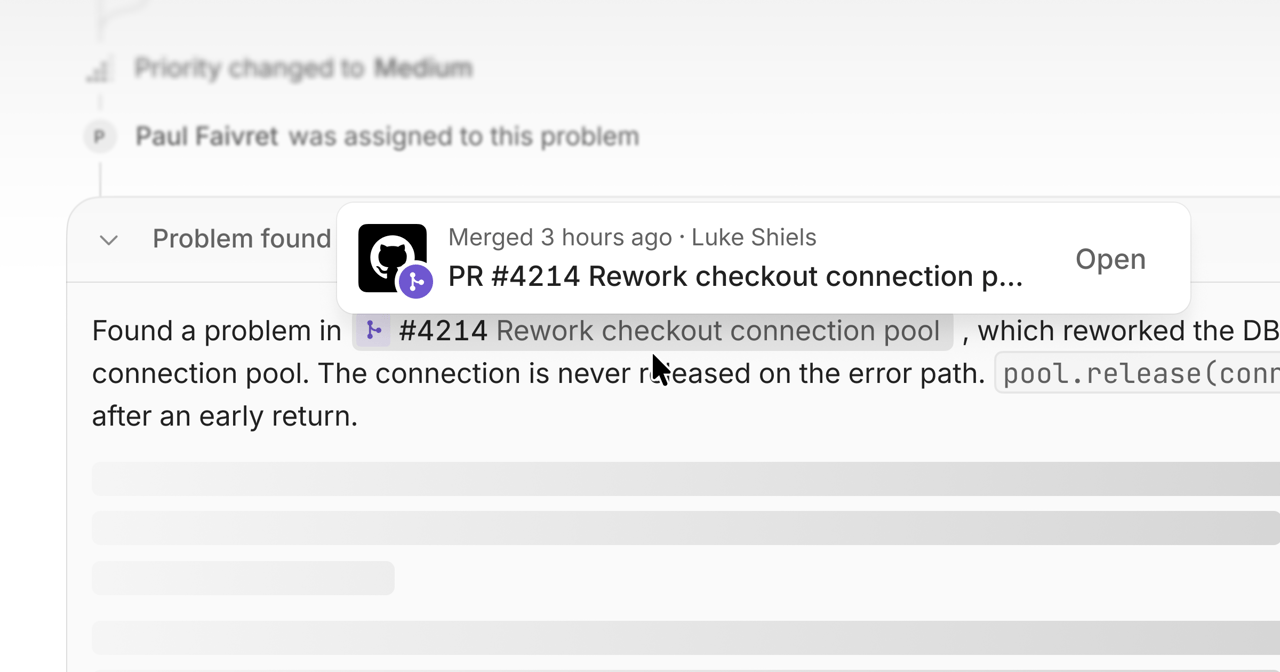
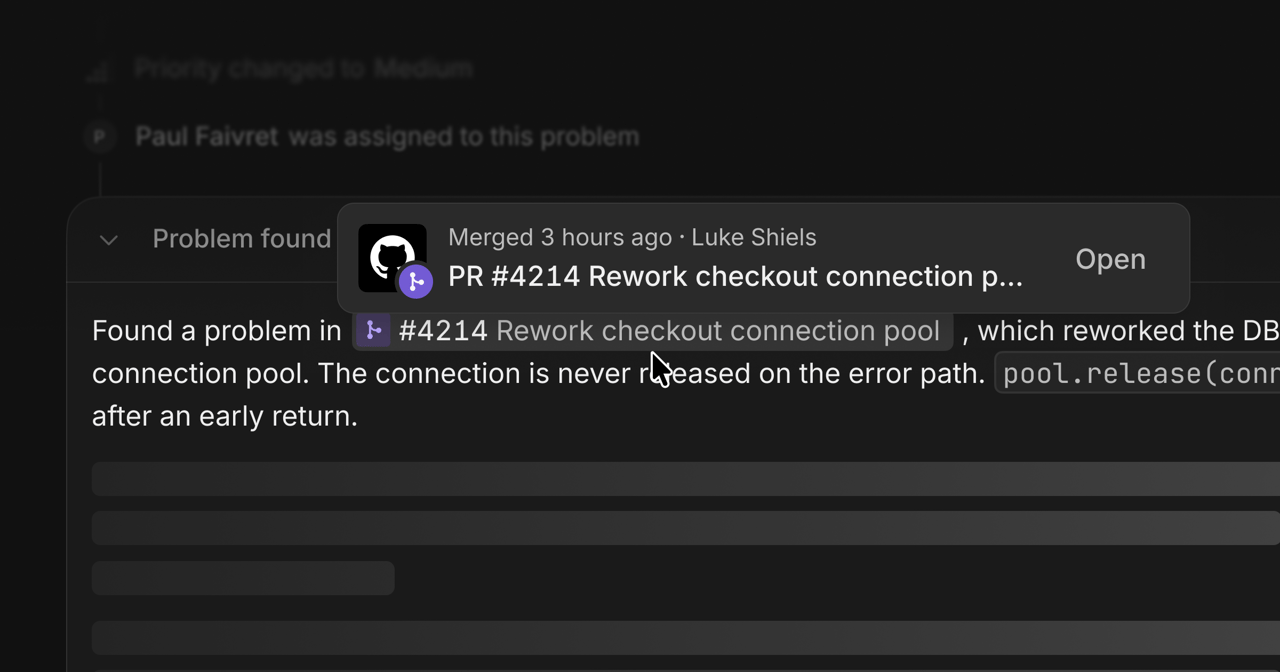
A GitHub pull request referenced in an Interfere investigation.A GitHub pull request referenced in an Interfere investigation.
Connect your self-hosted GitHub Enterprise Server to give investigations access to source code and release context.

Register the connection

A site administrator registers Interfere on your instance once, then installs it as a GitHub App. Open Enterprise Server settings and enter your server host. Each server needs its own app registration. The server’s API must be reachable by Interfere at https://your-host/api/v3. If your server is network-restricted, arrange access before completing the connection. See Infrastructure for published network information and its scope.

Connect repositories

Install the app and choose the repositories it can read. Link each repository to the corresponding surface, selecting the app’s subdirectory for a monorepo. After deploying with the SDK build plugin, check the surface’s release for the expected commit.