October 26, 2026
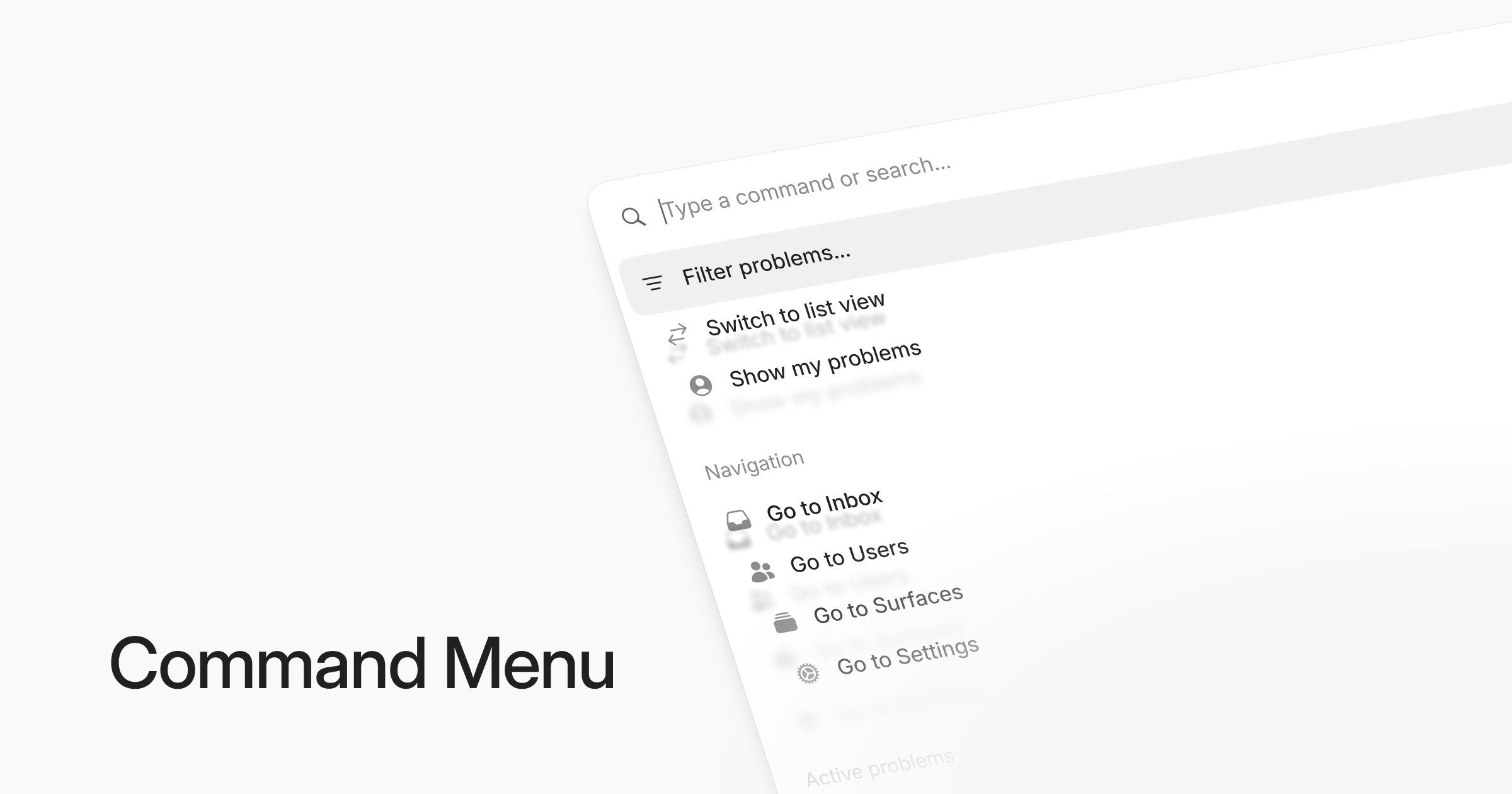
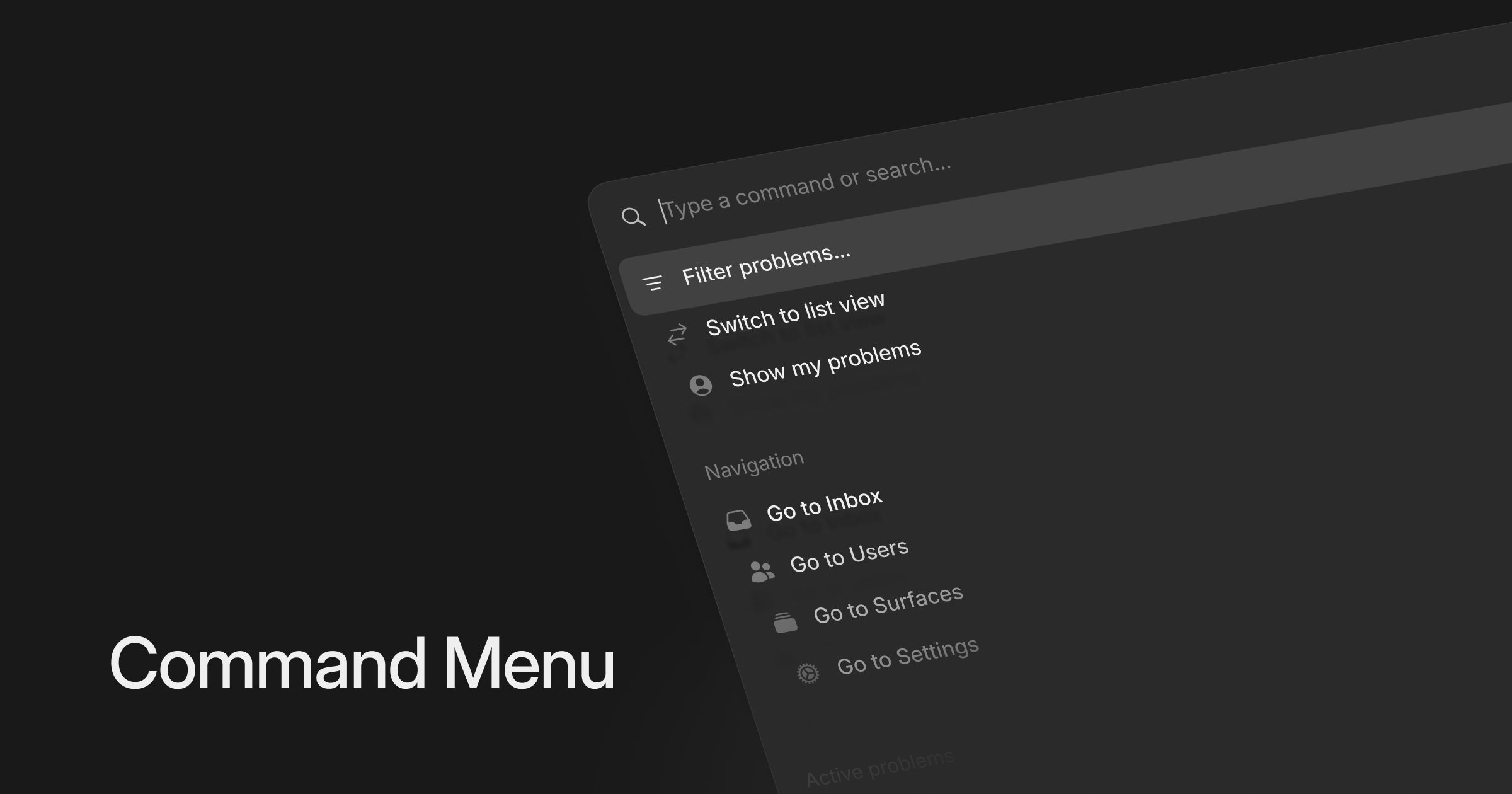
We added a command menu to make navigating the app faster and more convenient. Press Cmd + K on any page to get exactly where you want with just a couple of keystrokes.
You can jump to your inbox, browse active problems, navigate to specific users, explore your surfaces, find session replays or set up integrations.
You can search by typing titles, names, IDs, dates or any other keyword.
The command menu is dynamic, with feature specific actions available on each page. In the Inbox, for example, you can filter problems or switch views. On a problem, you can copy its link or ID, or change its priority by typing a value like “medium”.
Live in the app now!